
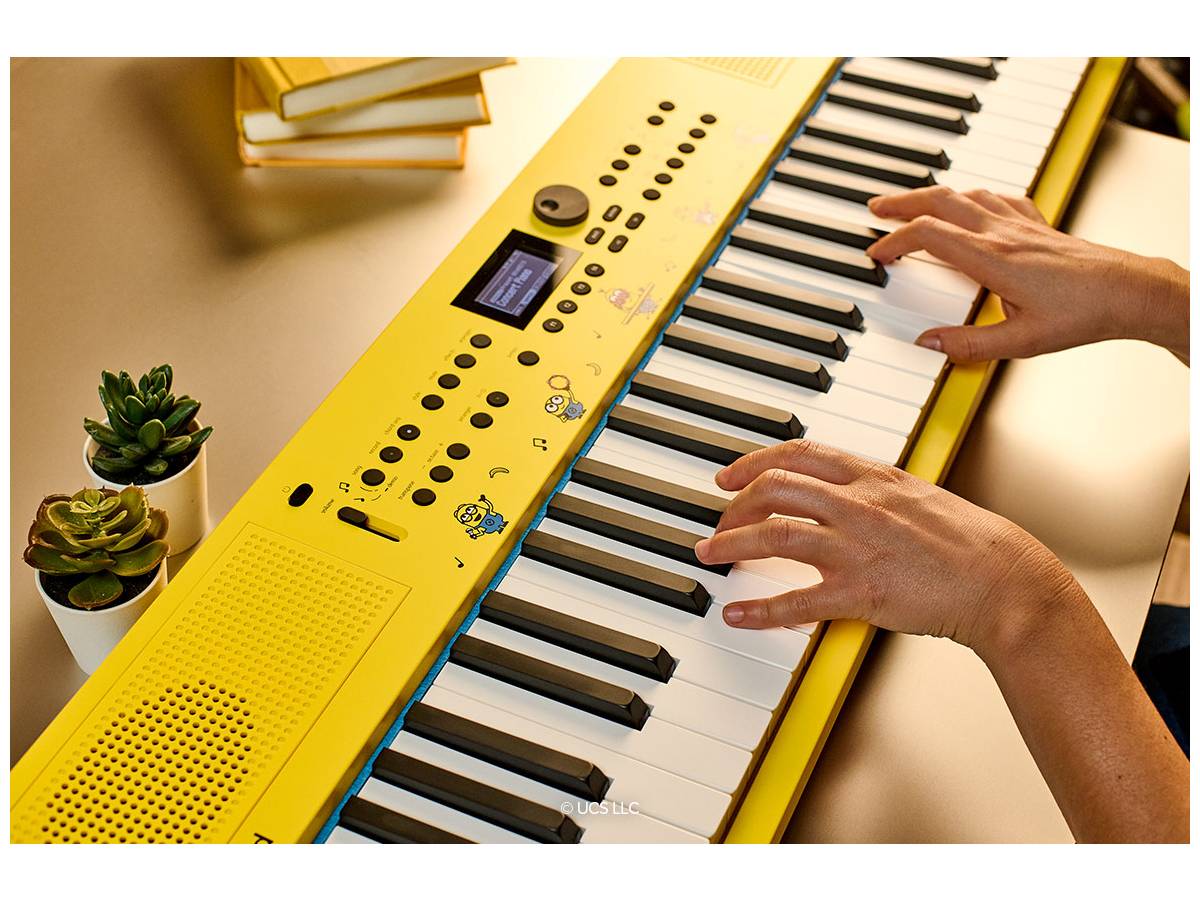
When Roland said they were coming out with a Minions keyboard, I was admittedly intrigued. I’ve long been a fan of those zany little yellow guys from Despicable Me, and I was interested to see what a team up with animation company Illumination and musical manufacturer Roland might produce. The answer? Quite a bit!
What Is The GO:KEYS 3 Minion Musical Creation Keyboard?
The GO:KEYS 3 Minion is a 61-key portable music keyboard that has all of the features of the regular Roland GO:KEYS 3, but enhanced with Minions voice variations and exterior decoration. It has the following features:
- Enhanced version of GO:KEYS 3 developed in collaboration with Universal Products & Experiences
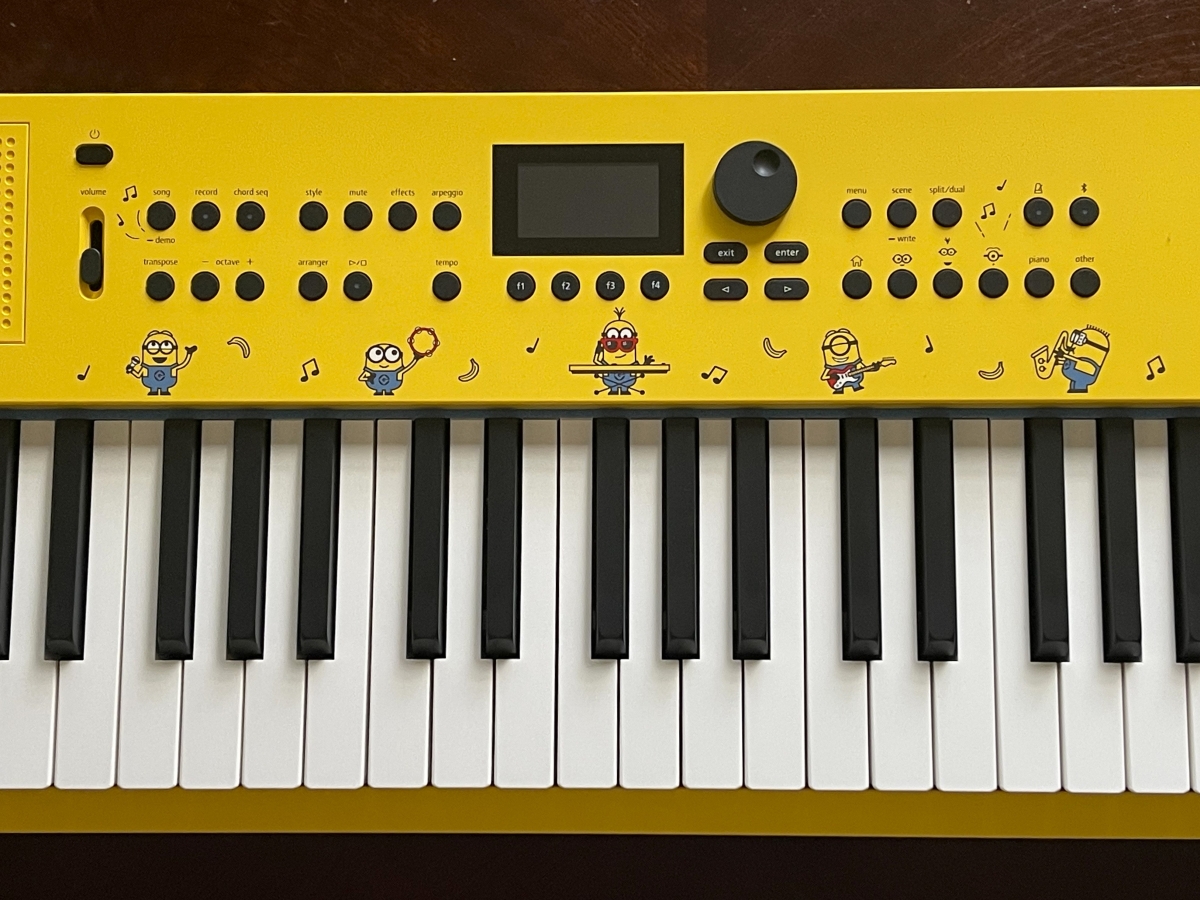
- Fun panel design with Minions images newly created by Illumination for the keyboard
- Iconic Minions yellow and blue look
- 32 Minions voice variations that can be played on the keyboard
- Expressive 61-note keyboard with touch sensitivity
- Professional-grade ZEN-Core engine with over 1000 influential Roland sounds
- Auto-accompaniment with over 200 onboard music styles
- Chord sequencer with user editing features and over 300 ready-to-play presets
- Play anywhere with built-in stereo speakers
- Bluetooth audio/MIDI support for music streaming and song creation
- USB audio/MIDI interface for working with music software on computers and mobile devices
- Pedal hold jack
- USB memory/WC-1 port for backup, audio file playback, and the WC-1 adapter for Roland Cloud Connect
- Support for Roland Cloud Connect (optional) allows you to wirelessly browse, audition, and download Roland Cloud content from your smartphone
The GO:KEYS 3 Minion is manufactured by Roland and retails for $449.99. It is available on Amazon.
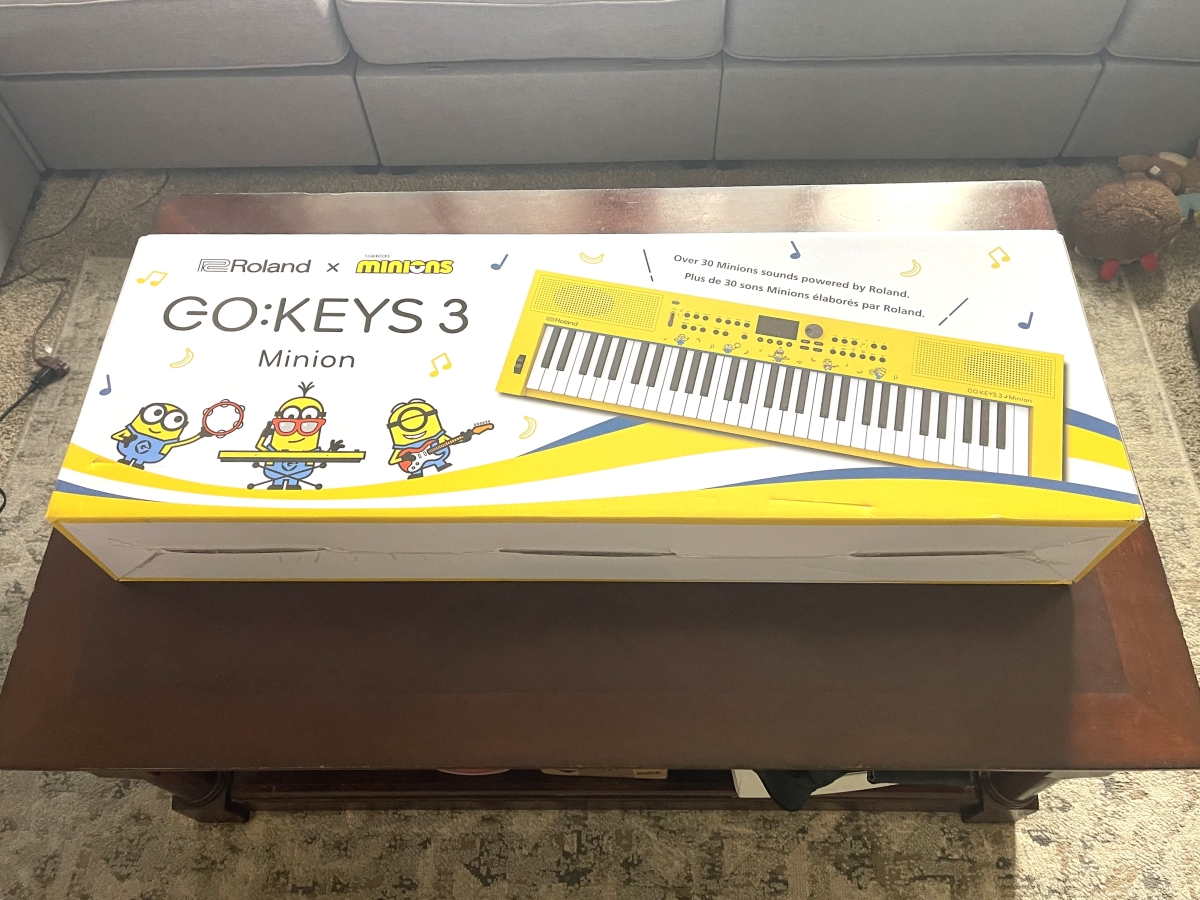
Unboxing The GO:KEYS 3 Minion Musical Creation Keyboard
There’s really not much involved with unboxing the keyboard. Inside the package, there’s the keyboard, a 2-piece power supply, and a manual.
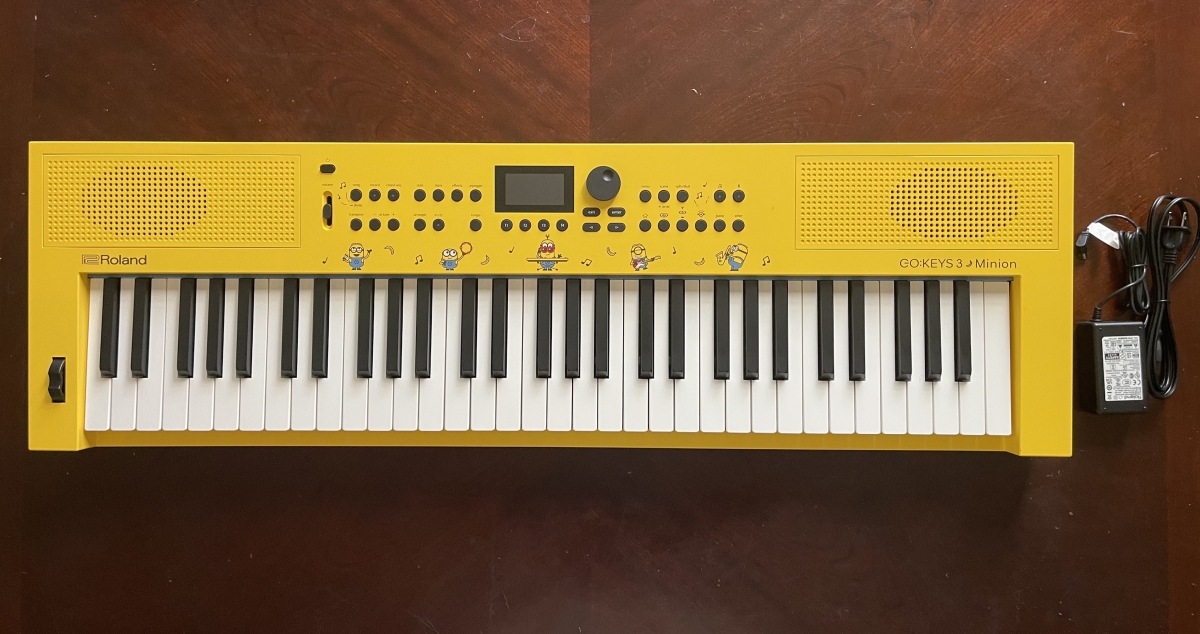
Moving on!
Using The GO:KEYS 3 Minion Musical Creation Keyboard
The power supply plugs into the back of the keyboard, where you’ll also find connections for a USB stick, a USB-C port to connect to a computer, a hold pedal jack, and a headphone jack.
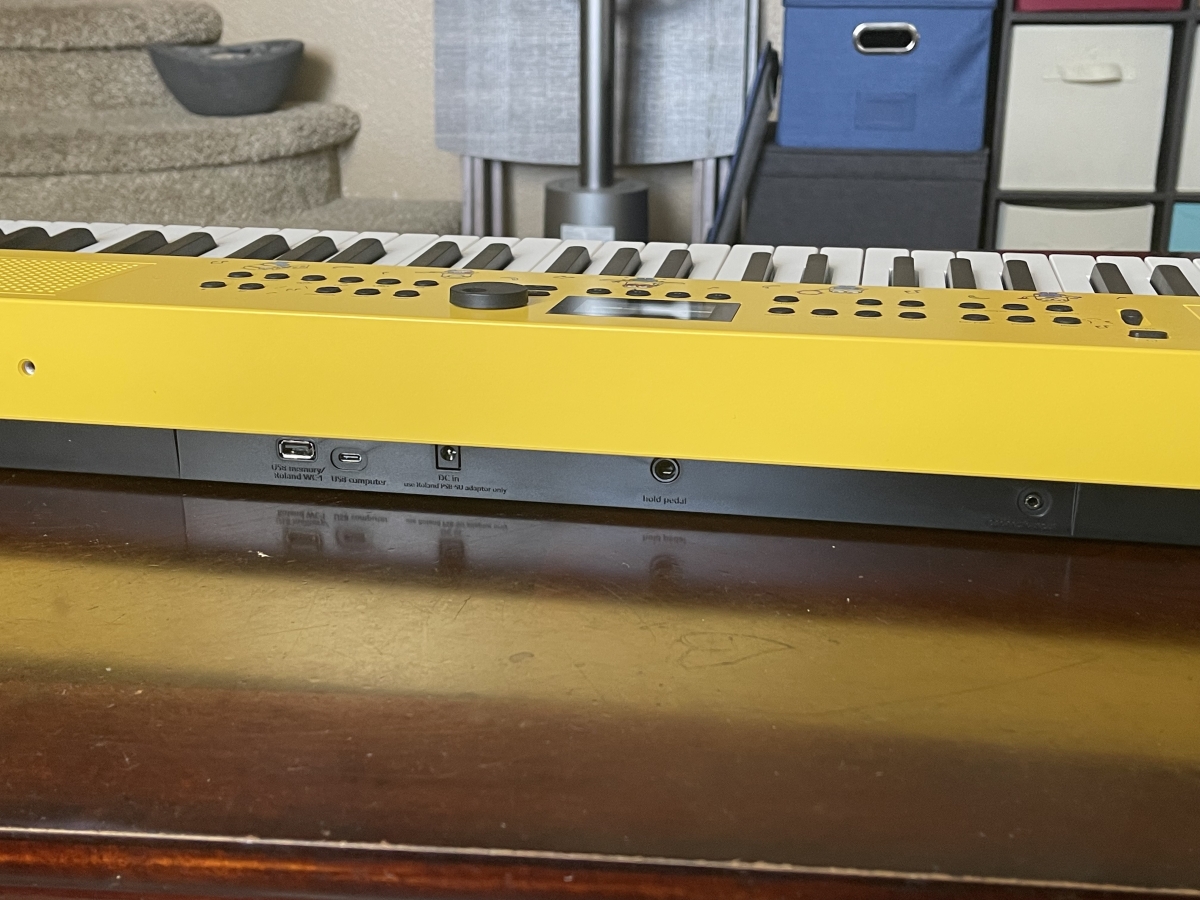
You can also power the keyboard off of 8 AA batteries for portability.
Once you’ve got a power supply connected, you just hit the power button to turn on the keyboard. The GO:KEYS 3 display is appropriately Minions-themed at startup:
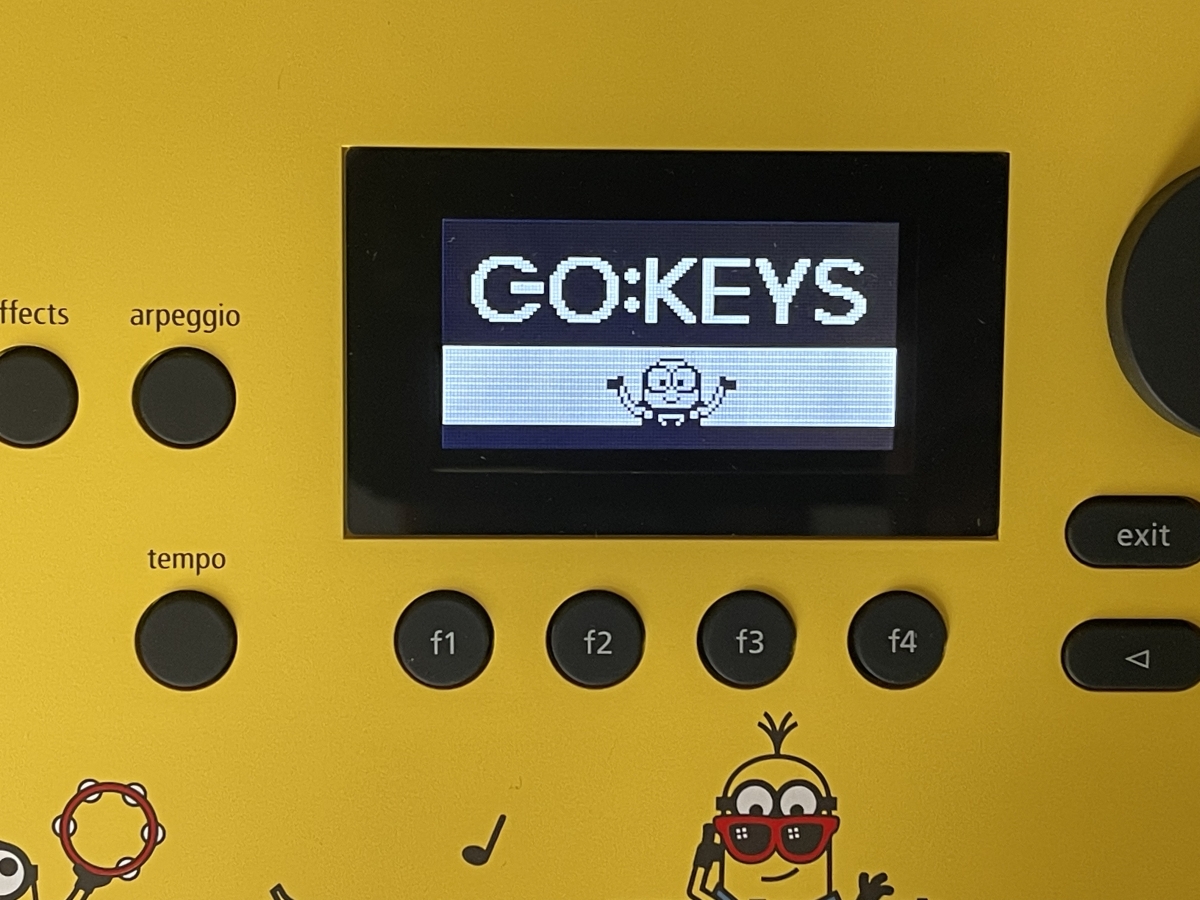
The GO:KEYS 3 Minion has built-in speakers, so you can play out loud or connect some headphones for some private play. There’s also a volume slider located right under the power button.
While the GO:KEYS 3 Minion is a beginner keyboard, it’s pretty feature-rich. As I said before, it has all the features of Roland’s standard GO:KEYS 3, but with one very important difference:
Minions.
There are dedicated buttons to allow you to select 3 different Minions voices, with a total of 32 different variations.
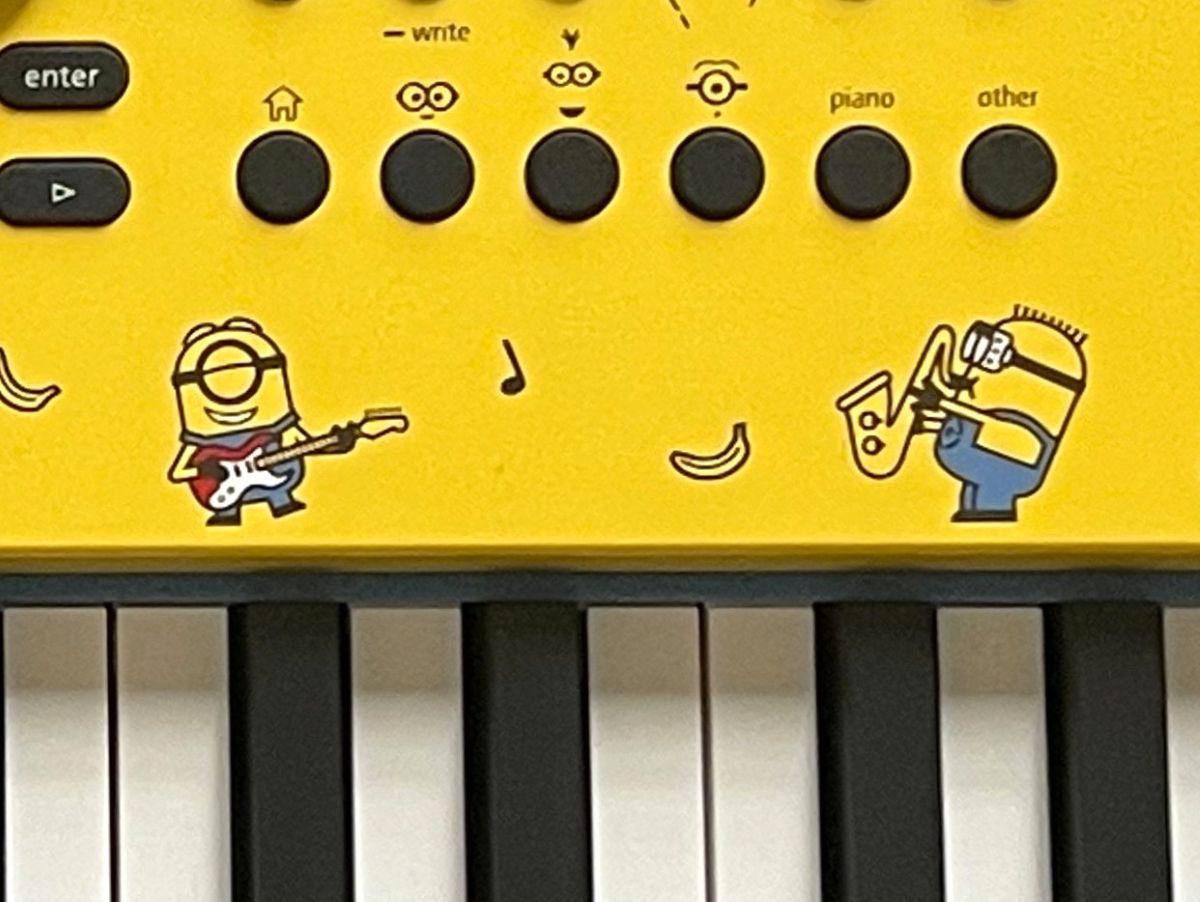
Good news, I don’t have to subject you to my bad playing to let you know firsthand how the Minions voices translate into music. Roland has included some demos of different musical arrangements right into the keyboard. I have linked a few of them here:
Being able to use and combine the Minions voices musically is a ton of fun, and the 32 variations included gives you plenty of variety to play with.
What’s great is that the Minions voices are really just the cherry on top of a full-featured keyboard. There are 1,154 additional tones, as well as 74 drum kits that come loaded into the GO:KEYS 3 Minion. I lost myself just trying out all the different instrument sounds. And should those not be enough for you, you can also add sounds through Roland Cloud.
In addition to all of the the variety in sound you’ll get from the GO:KEYS 3 Minion, there are a lot of other features that will help you learn and play. The keyboard is velocity-sensitive, so much like an acoustic piano, the harder you strike a key, the louder the note. Or, in this case of certain tones (including some of the Minions ones), how hard you hit the key will actually change the sound rather than just the volume.
There are 203 styles of auto-accompaniment pre-loaded into the keyboard as well, giving a wide variety for playing. A built-in metronome, as well as the ability to record and play back what you’re playing, are invaluable tools for learning. And the built-in Bluetooth will allow you to play along with songs on your phone or tablet.
GO:KEYS 3 Minion Musical Creation Keyboard – Final Thoughts
For what Roland considers to be a beginner keyboard, you’re getting a pretty robust package. The sound quality is fantastic, with more tones to choose from than most people will need. I remember back in the day when it was amazing that you could get a Casio keyboard with 32 built-in sounds; the GO:KEYS 3 Minion comes with over 1,000.
If you have kids that are either interested in music or you want to encourage them to learn, it can’t be understated how appealing the GO:KEYS 3 Minion is. Visually, it just screams fun, from its bright yellow body to the illustrations of the Minions playing different instruments above the keyboard. And if you’re at all a fan of the Despicable Me and Minions movies (and let’s face it, most children are), then being able to play music with the Minions sounds is a delight. It certainly awoke the child in me, as I had a blast playing around with Bob, Kevin, and Stuart’s voices.
While the Minions voices and the look of the keyboard will get children initially interested in playing around with the keyboard, they’ll also soon discover the other, wide assortment of tones and features that will keep them engaged. And as the GO:KEYS 3 Minion is, at its heart, a standard GO:KEYS 3 with the addition of Minions artwork and sounds, there’s plenty there to enjoy for whole family as well as more traditional piano players. While the keyboard may not be weighted and only has 61 keys, you do get to play with everything from a concert grand to a honky tonk upright thanks to the different tones.
The GO:KEYS 3 Minion is an excellent keyboard both for getting your children interested in music, and for the parents to enjoy as well. With a weight of just under 10 lbs and the ability to operate using batteries, you can take the keyboard anywhere, both in and outside of the house. It’s an appealing, feature-rich package that’s welcome in any music-loving home.
For more information, visit the Roland website.
Roland provided a unit for evaluation, but had no input into this review. As an Amazon affiliate, I may earn a small commission on qualified purchases.

Paul Benson

Paul is a comic book writer, screenwriter, an avid board and tabletop gamer, reader of comics and collector of statues and figures. He is the creator of the webcomic "Heroines for Hire" and co-writer of "Disaster!: The Movie." He currently writes "E.I.: Earth Invasion" for Wunderman Comics.


