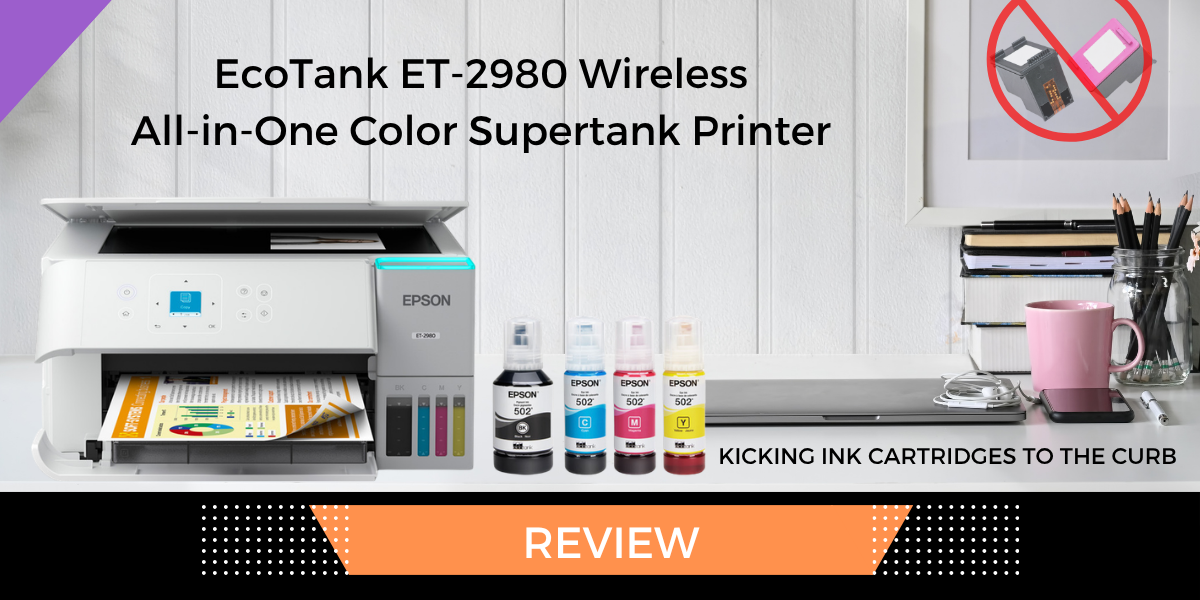
Epson is a brand I’ve come to trust when it comes to printers and scanners. I’ve admittedly strayed from them in the past, but I always come back with my tail between my legs.
The EcoTank ET-2980 Wireless All-in-One Color Supertank Printer (retail: $275) arrived just as I was ready to Hulk out on my current printer because of the cost of the ink and the low page payout. The EcoTank feature removes the need for expensive ink cartridges or ink subscriptions, and the smaller footprint still has all the features I need for personal and business printing.
Epson EcoTank ET-2980 Specifications
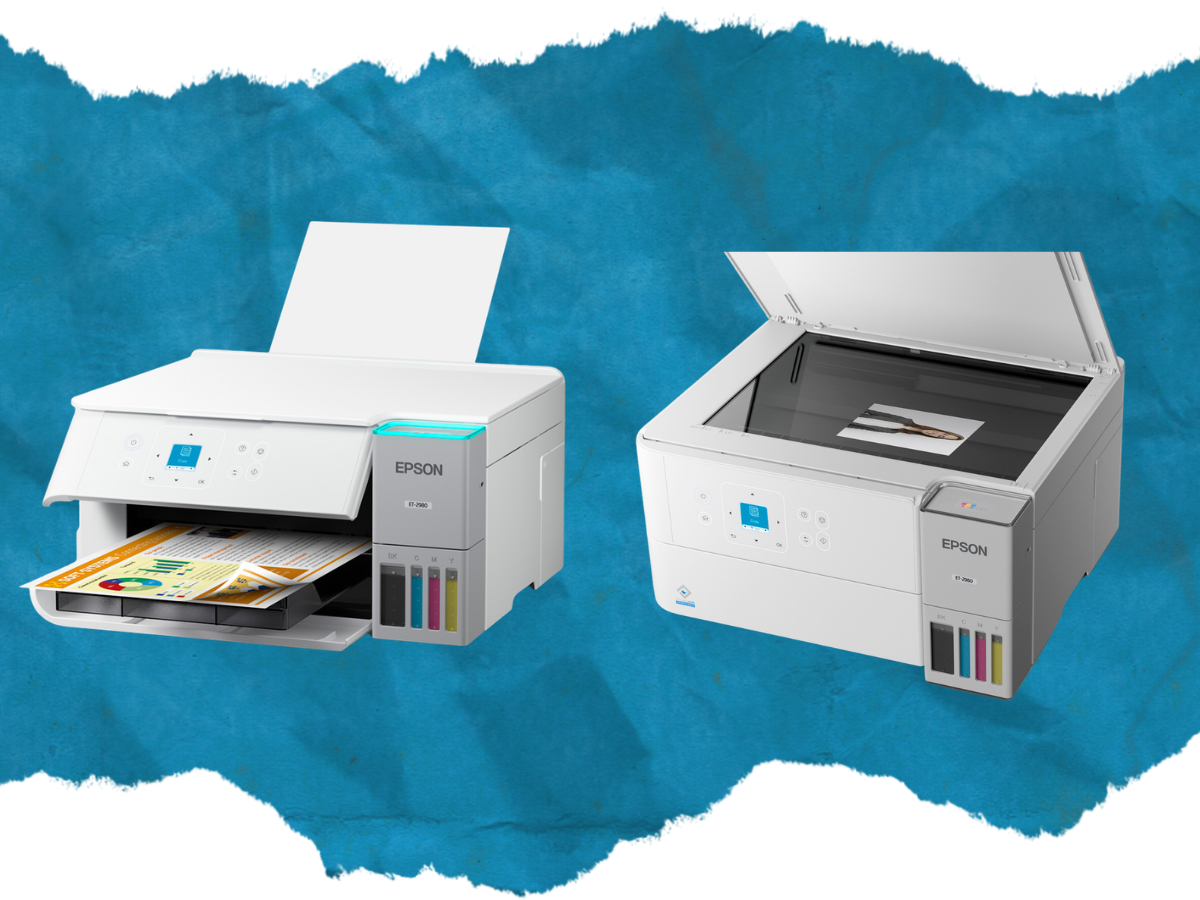
The specs on the Epson EcoTank ET-2980 are almost as long as my recent CVS receipt, but in a good way. They pack a lot of great features in a tiny footprint.
- Maximum print resolution of 4800 x 1200 dpi
- Up to 3 years of ink included in the box (based on around 125 pages per month)
- Print speeds of up to 15 ppm in black and 8 ppm in color
- Automatic two-sided printing
- 100-sheet rear paper tray
- 1.44-inch color display
- Flatbed scanner
- Wi-Fi, Wi-Fi Direct, USB, Apple AirPrint, and Mopria support
- Epson Smart Panel compatible
- Supports paper up to 8.5 x 14 inches
- Weighs 11.5 pounds
- Measures 14.8 x 13.7 x 7.4 inches when stored and 14.8 x 22.8 x 10.4 inches while printing
Setting Up the Epson EcoTank ET-2980
Setup was simple and to the point. From unboxing to printing, it took about 30 minutes, and 15 minutes of that was just waiting for the ink charging to finish (you don’t have to babysit it, so get it started and then pick up a book).
I used the Epson Smart Panel app to go through the setup. This sped up the process because otherwise you are stuck working on a screen that would give Mini Brands a run for their money (more on this in a moment).
The ink charging was the longest part of the process. It took about 15 minutes and used a considerable amount of ink. Epson claims you get up to three years of printing with the included ink bottles (don’t worry, the ink it uses to charge the printer is not included in that estimate.
Print Quality and Speed
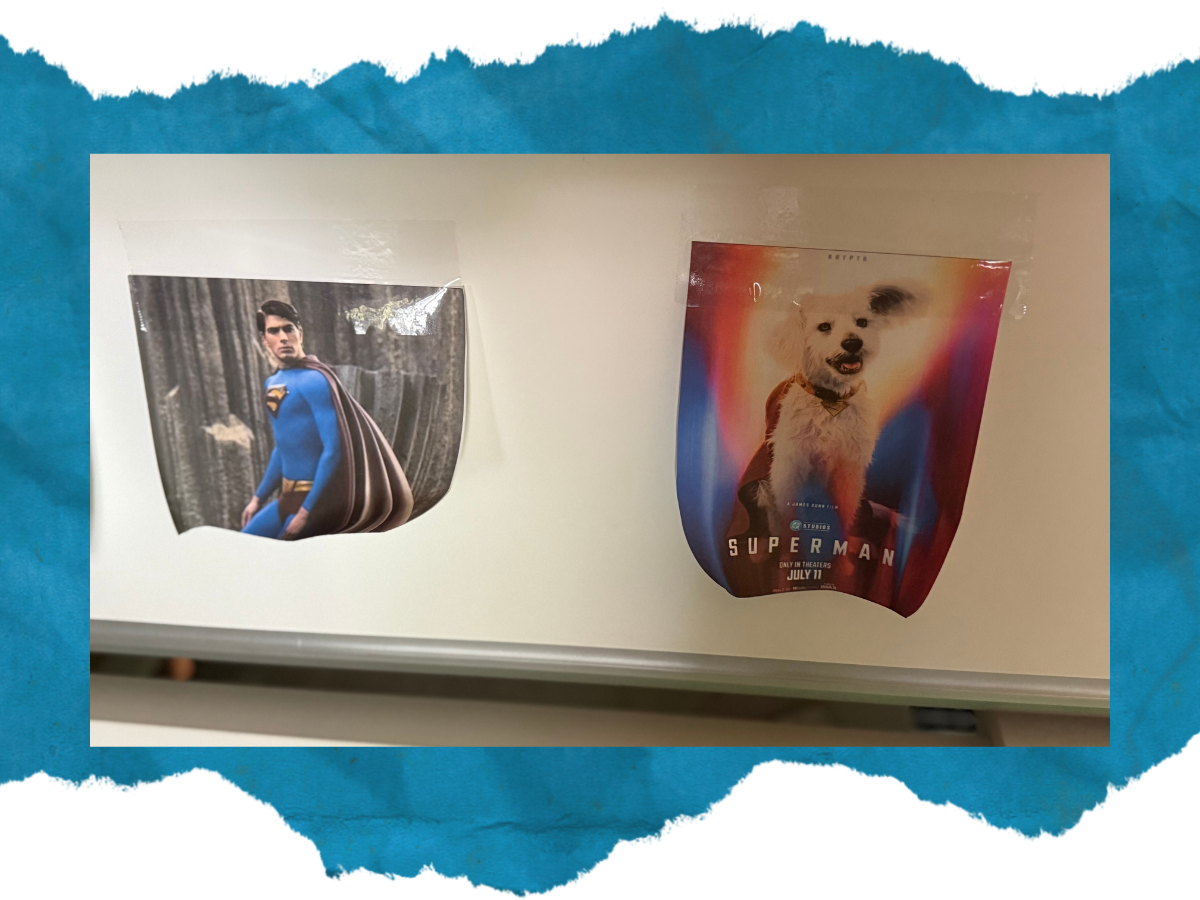
My last printer let everyone in a 20-foot radius know that it was working. It was loud, proud, and ate ink for second breakfast. The Epson ET-2980, however, works in powerful silence. I wasn’t even sure if the print job had gone through at first, only to look over at the printer and see it was done and already in sleep mode.
I’ve printed signs for my business, photos to prank my husband, and some boring adult receipts for my taxes. I was happy with the quality of everything I pulled from the paper tray. The photos came out crisp. The text on my documents was easy to read. And the paper wasn’t soaked from too much ink.
Ink Tanks and Printing Costs
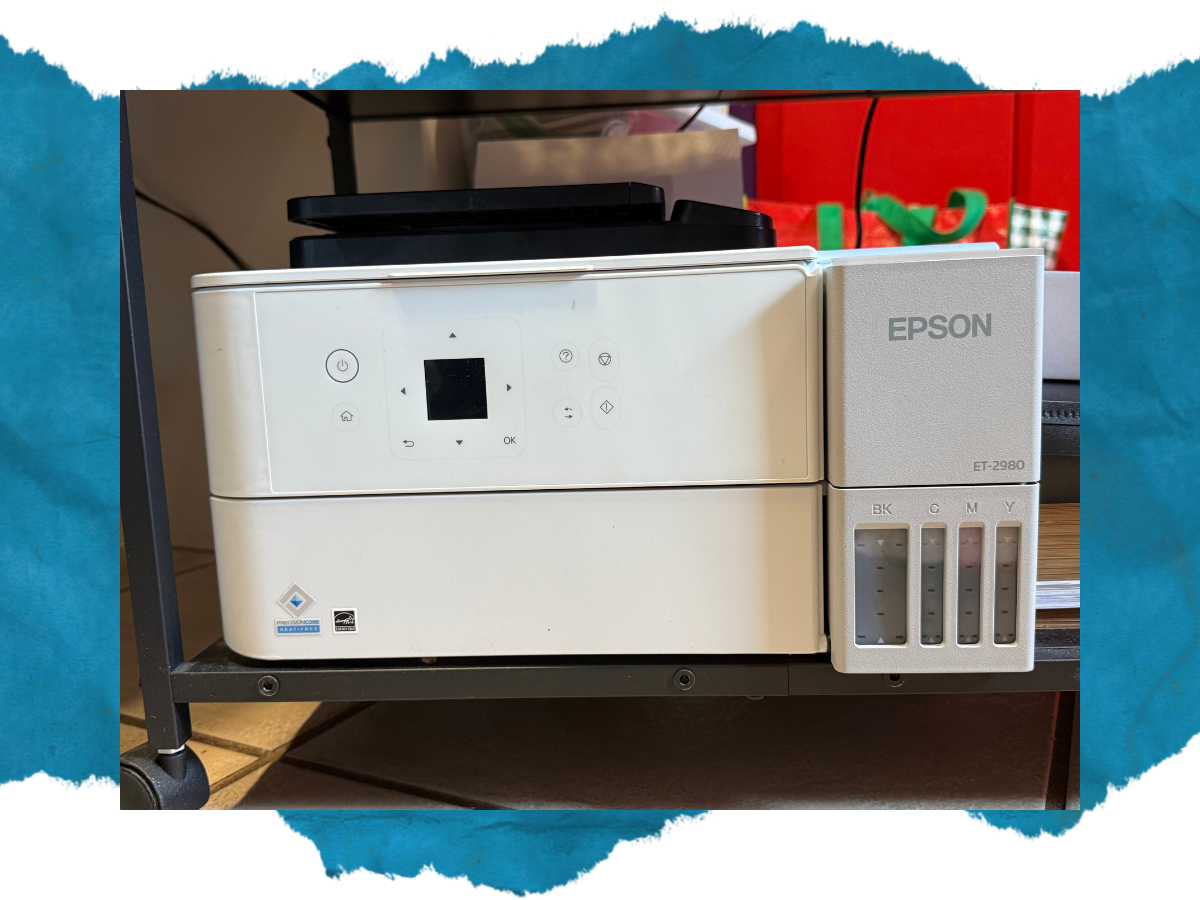
The prime feature of the EcoTank printer line is the refillable ink system. Instead of relying on the expensive cartridges that drained both my previous printer and my savings, the EcoTank uses bottles to fill four individual ink tanks.
Epson says the included ink can last up to three years, based on printing approximately 125 pages per month. Your actual mileage will depend on what and how often you print.
The included ink is rated for up to 6,600 black pages or 5,500 color pages. Replacement bottles have higher-rated yields because some of the ink supplied with the printer is used during the initial setup. Your results will vary depending on what you print, your settings, and how frequently you use the printer.
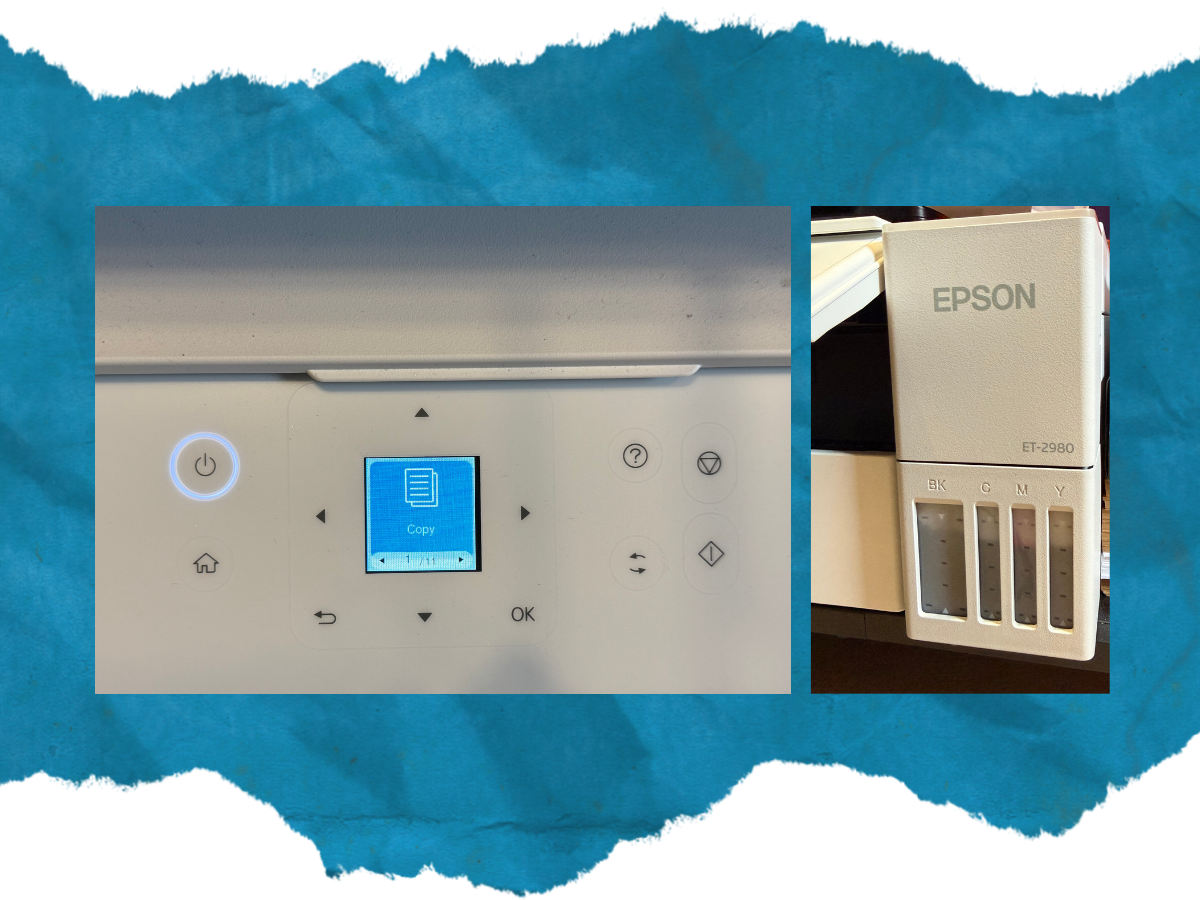
It’s also super easy to see how much ink you have left because the printer’s front panel shows the ink levels without opening your computer or an app.
Something worth mentioning here is that you need to print at least once a week to prevent the printhead nozzles from clogging. You also need to leave the printer plugged in so it can do self-maintenance when not in use. If you go a while without printing, you may need to do the self-cleaning and nozzle check.
Sublimation Printing Warning
Epson EcoTank printers are a popular choice for crafters who want to do sublimation printing. I understand the appeal and even found several sublimation ink makers who manufacture ink to work with the EcoTank printers. However, I would not recommend converting this model because using third-party ink could affect warranty coverage if something goes wrong.
According to Epson, EcoTank printers are designed to work with specific Epson inks. Once third-party sublimation ink enters the chat, any damage caused by that ink may not be covered.
Scanning and Copying
I’m going to keep this section short and sweet because the scan/copy feature is nice, but it’s not what you are buying this printer for. As far as scanning and copying goes, it works well and gets the job done. The lack of a document feeder might be an annoyance if you do a lot of scanning, but the copy/scan feature is more of a bonus on this printer. The core reasons you buy this particular model are the footprint, cost of ink refills, and speed.
What I Liked and What Could Be Better
What I liked
- Ink refills are more cost-effective
- Bottles are easy to use for refilling ink
- Footprint is the perfect size for my desk
- More printed pages for your money than traditional ink cartridges
- Front of the printer shows ink levels without opening any software
Things I Would Change
- Paper feed only holds about 100 sheets
- The size of the screen on the printer is too small
- Paper tray doesn’t automatically retract when the printer goes to sleep
The print quality and low ink costs outweigh the things I would change. The size of the screen can be overcome by using the Epson app. The paper tray can be gently pushed back into the printer.
Who Should Buy the Epson EcoTank ET-2980?
EcoTank printers are great for anyone tired of replacing expensive ink cartridges, being sucked into an ink subscription, or paying too much for every printed page.
The ET-2980 model is great for families, students, and those with a smaller space for their tech. It’s a workhorse of a printer that will serve you well.
I would not recommend this particular model to three groups of users:
- People who regularly print batches of more than 100 pages at a time
- Users who need an automatic document feeder for scanning multiple pages
- Side-quest printers who only need to print a few pages every so often
Epson EcoTank ET-2980 Review: Final Verdict
Epson has never let me down in the printing world. I love how it gets the job done without taking up too much space on my desk or every print feeling like a luxury purchase because of the ink costs. The tiny display and 100-sheet paper tray are a reminder that this is a home and small-office printer, not a high-volume production machine.
The limitations are outweighed by the compact footprint, high-quality prints, and long-term ink savings.
The ET-2980 makes the most sense for users who print regularly enough to benefit from the refillable tanks. I will continue using it for personal and business printing—and, of course, pranking my husband. More on that in my upcoming xTool X1 review… MUAHAHAHAHA.
In short, it has earned its spot on my desk, and my old printer can consider this its eviction notice.
The EcoTank ET-2980 Wireless All-in-One Color Supertank Printer is available at your local printer reseller, Epson’s website, and on Amazon; retail price is $329, but it is currently on sale on Amazon for $275 (as of this writing).
Disclaimer: GeekDad received a review sample.