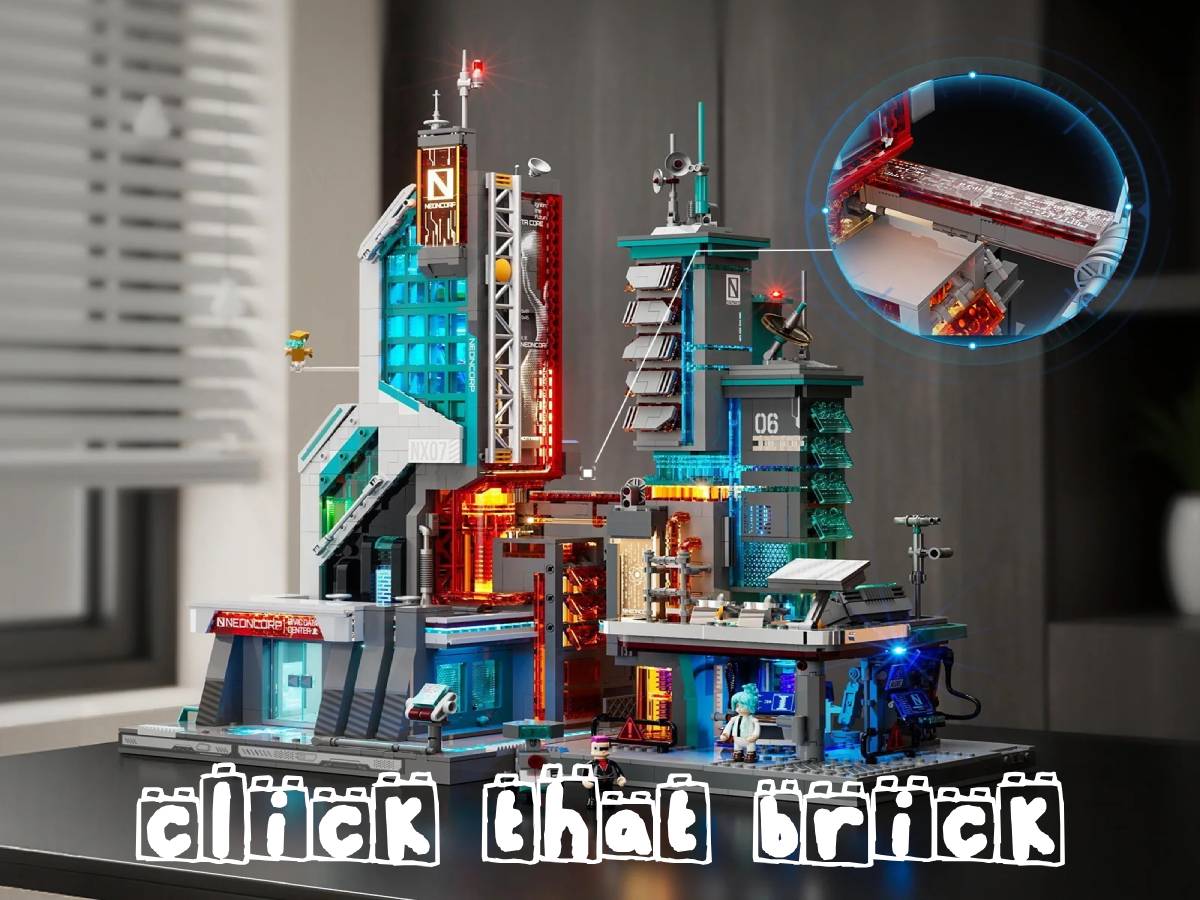
Lumibricks is certainly keeping busy with their 2026 release schedule! Hot on the heels of the Cyberpunk Police HQ and Police Urban Convoy that I reviewed back in May, they have two new Cyberpunk Neoncity releases: The Neon Tech Tower and the Neon Tech Station. These sets are not only designed to fit thematically into the growing Neoncity line, but they’ve also been made to connect directly together easily. Let’s take a look at each set, and how they work with each other.

Lumibricks Cyberpunk Neoncity Neon Tech Tower
The Neon Tech Tower is a 2,227-piece set from Lumibricks that includes 5 minifigures and 27 light points. When completed, the building measures 10.24″ x 10.24″ x 18.5″. It retails for $149.99, and can be purchased directly from Lumibricks, or from the Lumibricks store on Amazon.

There are 13 brick bags, as well as two instruction books, and a box containing the lights and tools for the set. As is usual for Lumibricks sets, there are no stickers, instead having 40 screen printed bricks. There are also two acrylic panels and a flowing light strip.
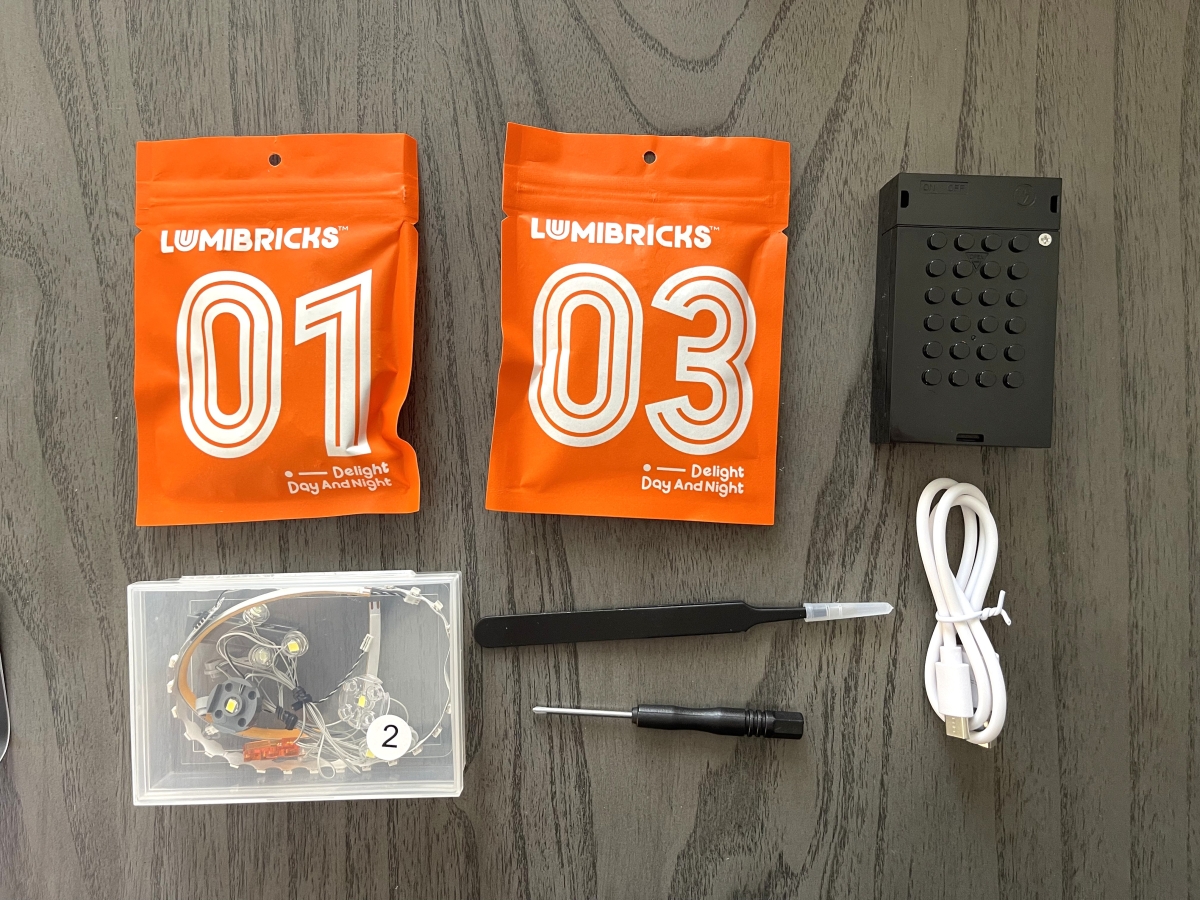
If you’ve seen my other Lumibricks reviews, the light kit will look pretty familiar. There’s a power brick, a couple of bags of lights, a USB cord, tweezers, and a small Phillips screwdriver. The power brick operates on AA batteries, which are not included. Lumibricks suggests testing out all of the lights before starting assembly (though I have yet to have any non-working lights).
Lumibricks Cyberpunk Neoncity Neon Tech Tower – The Minifigures
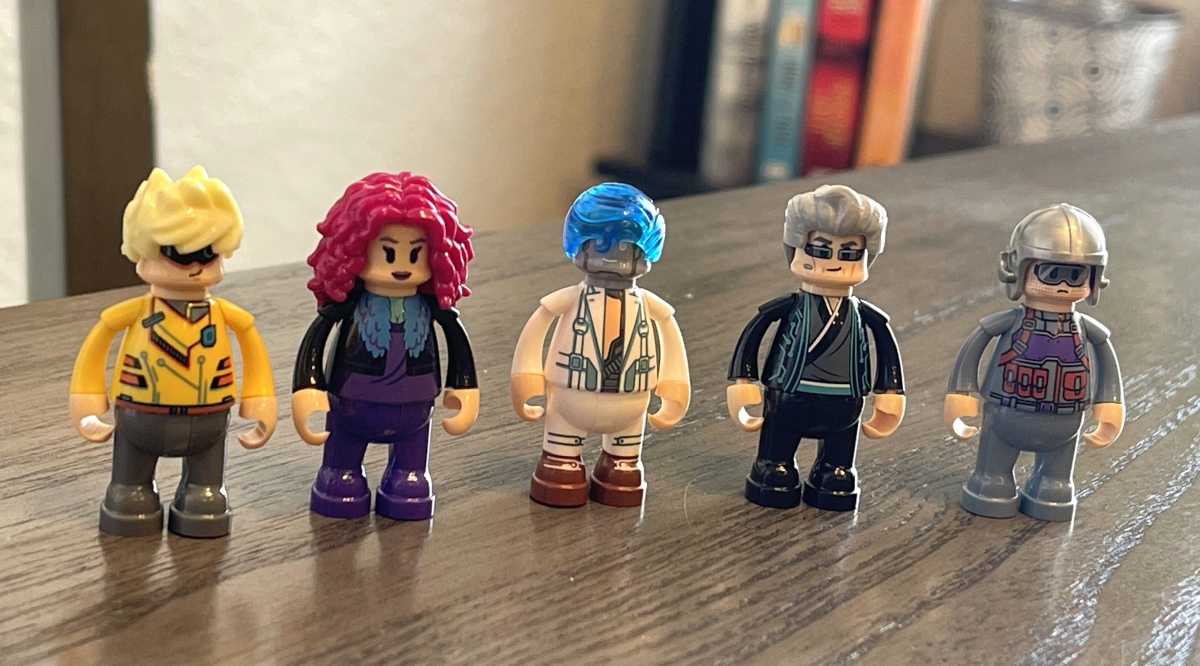
There are 5 minifigures included, a good amount for a set this size. These are, from left to right in the image below: Nyx the hacker; Violet, residential district citizen; Argus, data researcher; Elias Kade, corporate controller; and Manson Holt, technical engineer. The instructions for building all of the minifigures comes before the assembly of the building.
Assembling the Neon Tech Tower
There are four primary sections to the tower, with the assembly being spread out over 13 steps in the two instruction manuals.
Information Collection Hall
The hall is essentially the ground floor of the tower.
Here’s a look at the completed Information Collection Hall:

In this stage of the assembly, you’ll also put together a humanoid robot that can be placed in his charging station inside the building, or displayed outside.

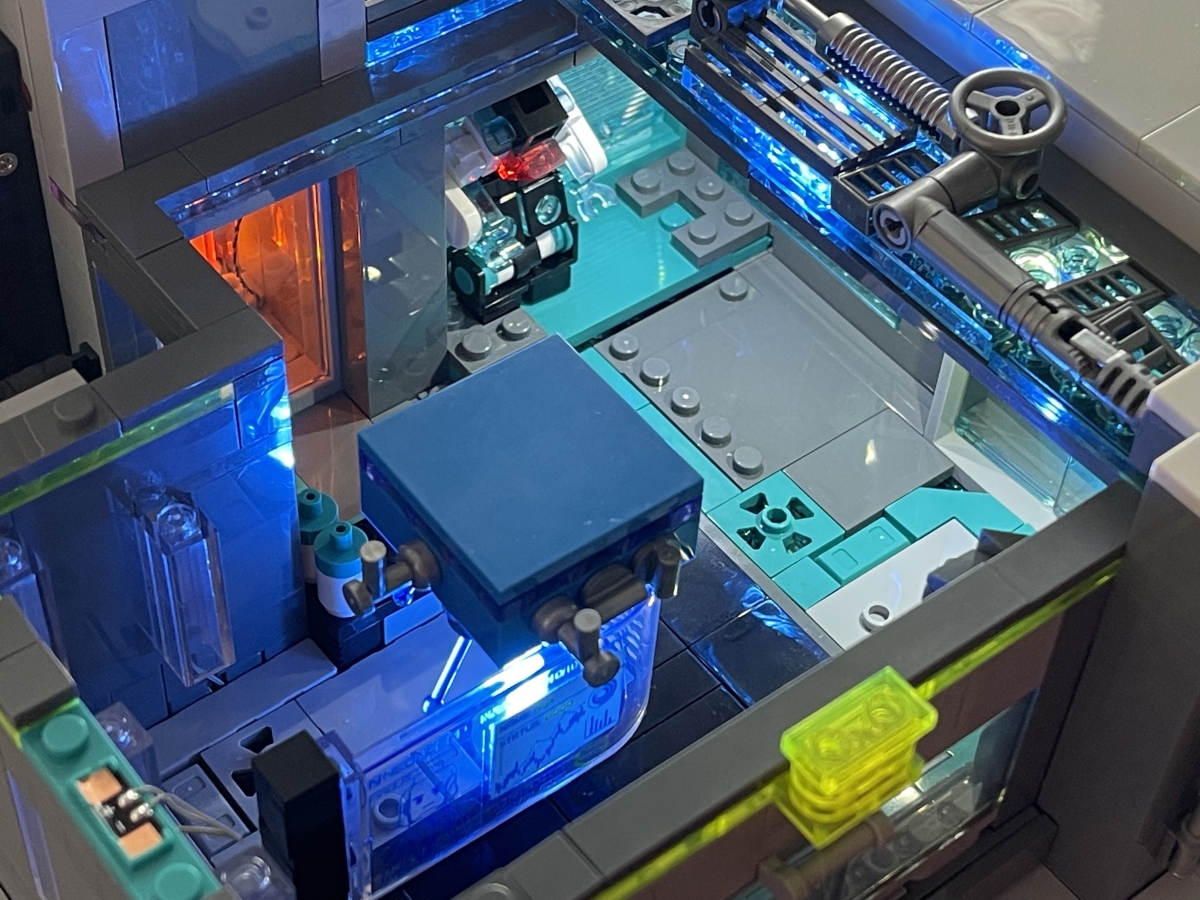
As this stage also has you connecting the battery pack, I figured it was a good idea to do a light check before moving on:
Data Storage Center
The next level of the tower is the Data Storage Center.
The data center core is removable, and slides into the tower.
Data Analysis Lab
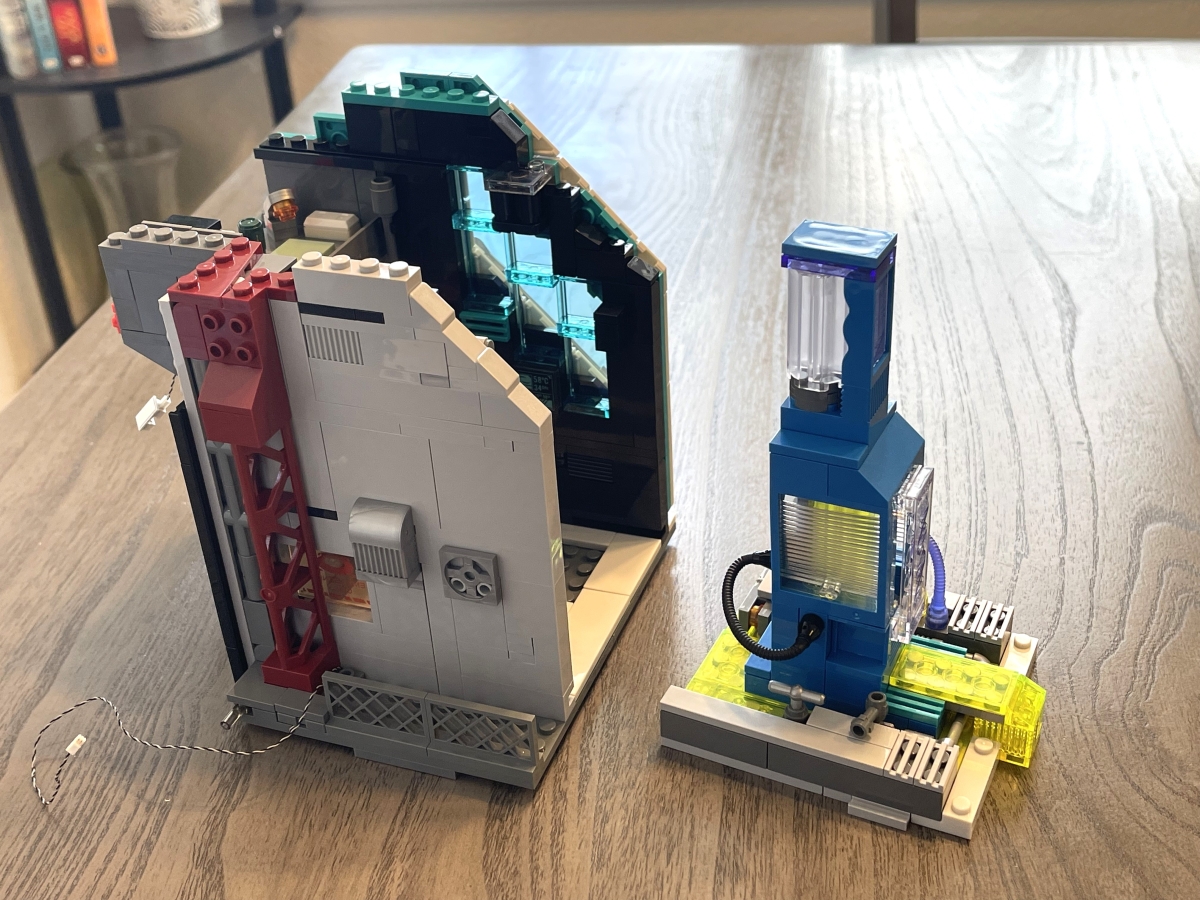
The third level is the Data Analysis Lab.
As with the data center, the data analysis lab slots into the tower.

CEO Office and Final Details
The last part of assembly is the CEO Office at the top floor, and the removable walls that will complete the tower.
Here’s a look at the CEO’s office, which slots into the top of the tower:

And here’s the completed tower:
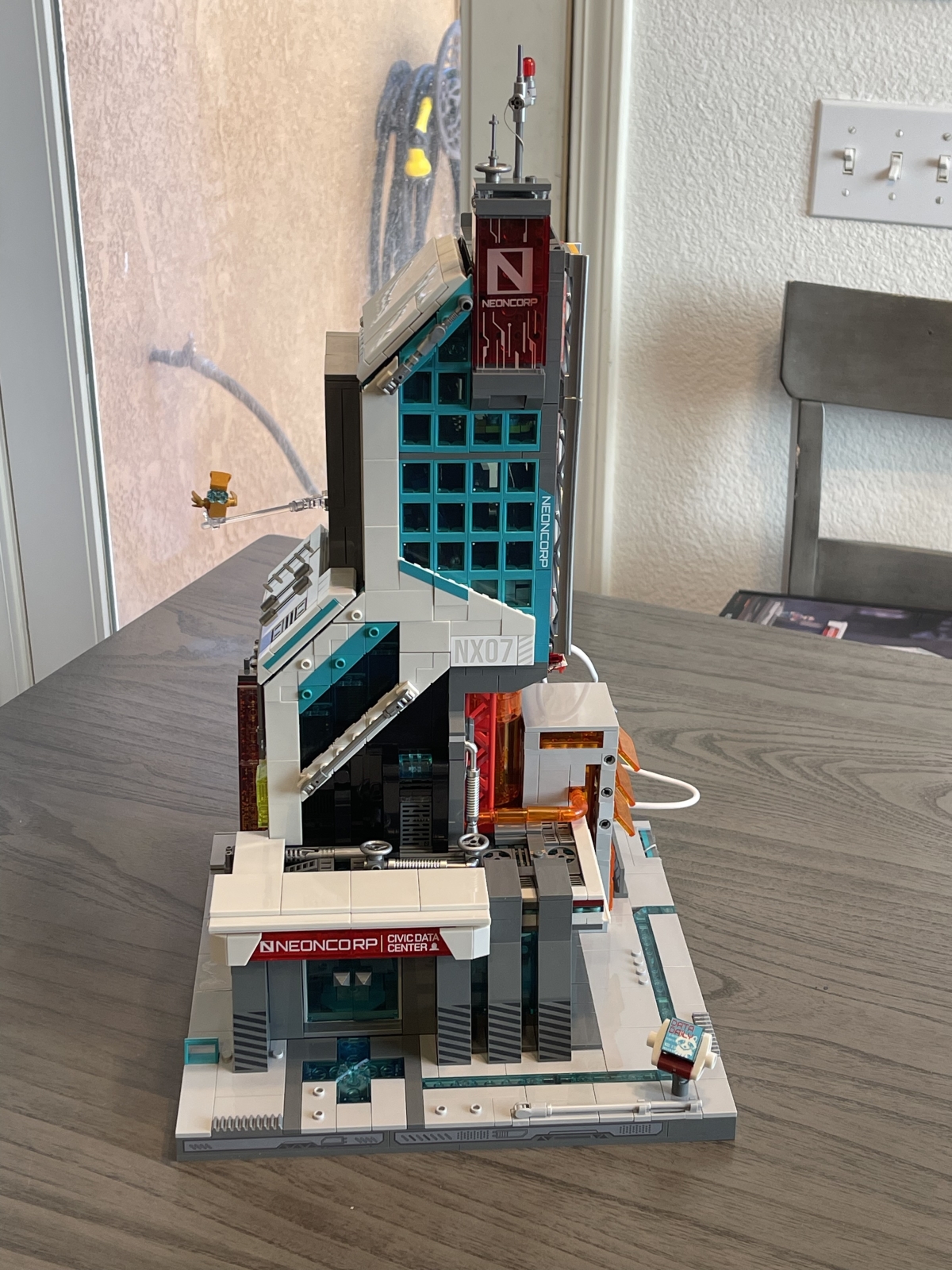
The completed tower, lit:

Lumibricks Cyberpunk Neoncity Neon Tech Station
That’s just the first building. Lumibricks also sent me the Neon Tech Station, designed as a companion to the Neon Tech Tower.

The Lumibricks Neon Tech Station, at 1,282 pieces, is a much smaller set than the Tech Tower. It comes with 2 minifigures, and 13 light points. When completed, it measures 8.86″ x 7.56″ x 14.17″. With its smaller size comes a smaller price, as it costs $74.99, and is available on the Lumibricks website or on the Lumibricks store on Amazon.

With the lower brick count, there are only 10 bags, along with one instruction book. With less lights, there is also less power consumption, so the battery box runs on AAA batteries instead of the AA that light the Tech Tower.

Lumibricks Cyberpunk Neoncity Neon Tech Station- The Minifigures
As opposed to the 5 minifigures from the Neon Tech Tower, these two figures don’t even get names. It’s just alluded to that they help prevent cybercrimes.

Assembling the Neon Tech Station
The reduced brick count results in a much faster build.
The majority of the detail for this building is on the exterior, with only the Computation Monitoring Room removable for play.

The last bag also comes with a tri-wheeled robot.

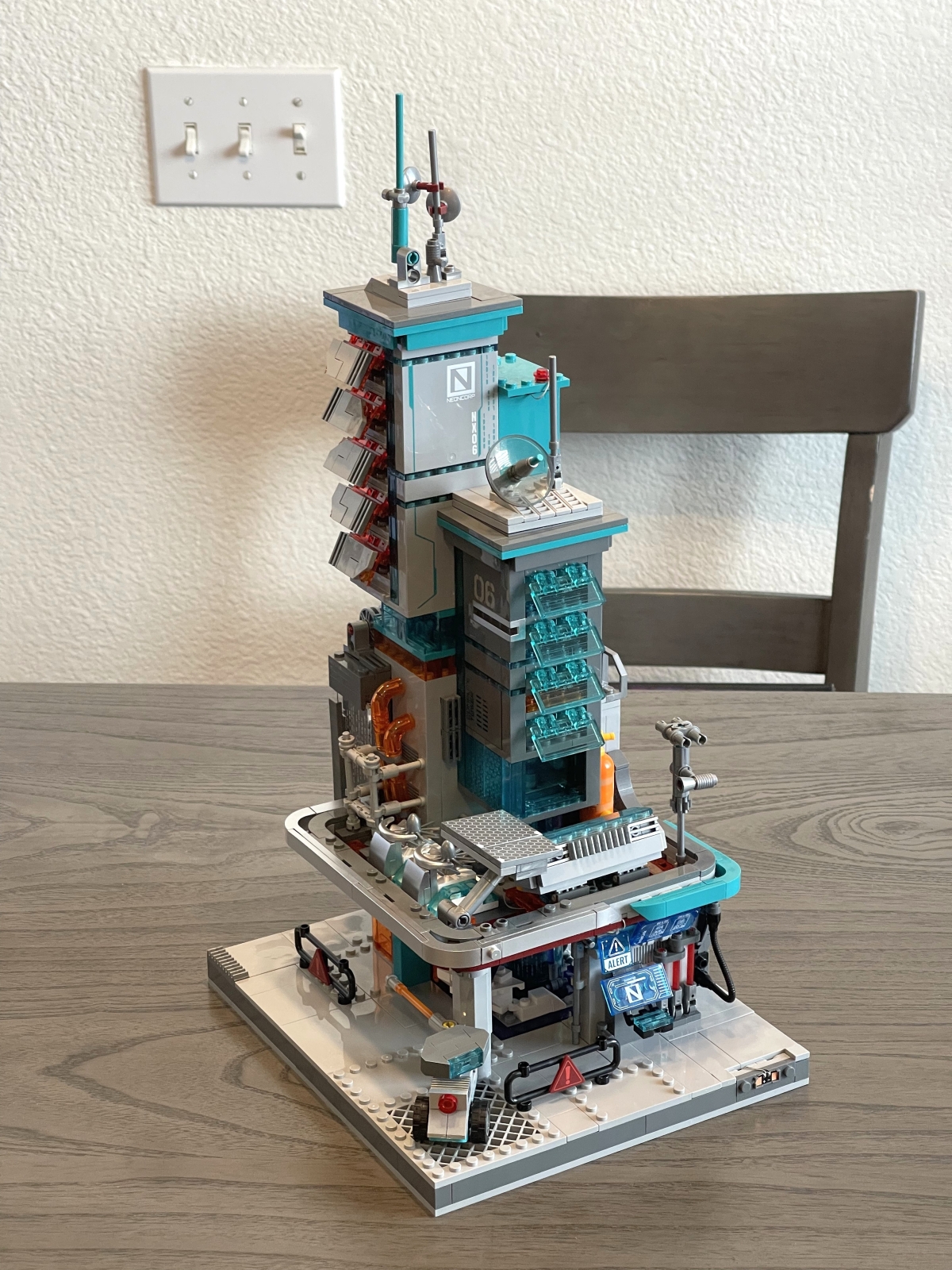
Here’s what the completed station looks like:
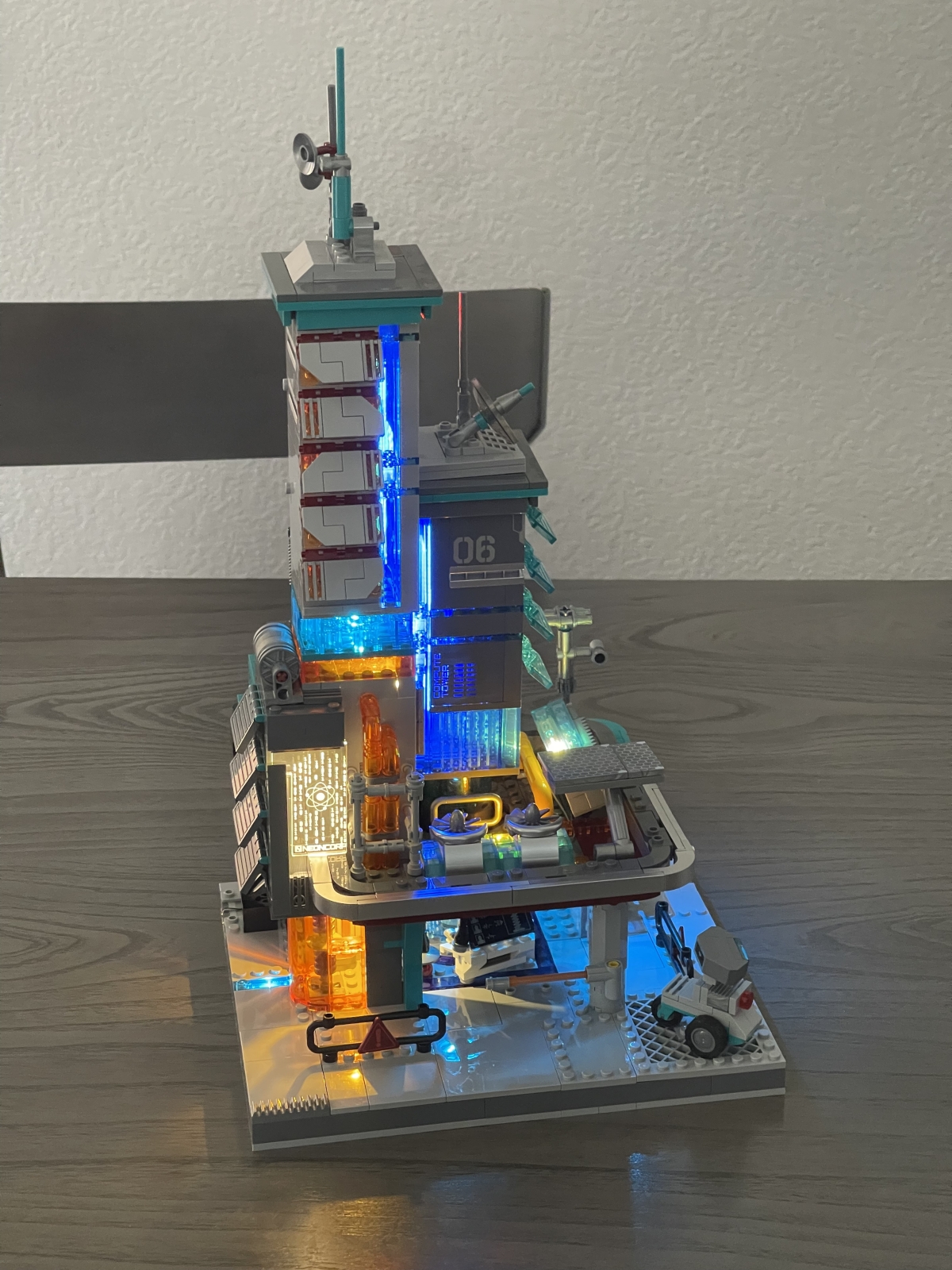
And here’s what it looks like lit up:
Connecting the Neon Tech Tower and the Neon Tech Station
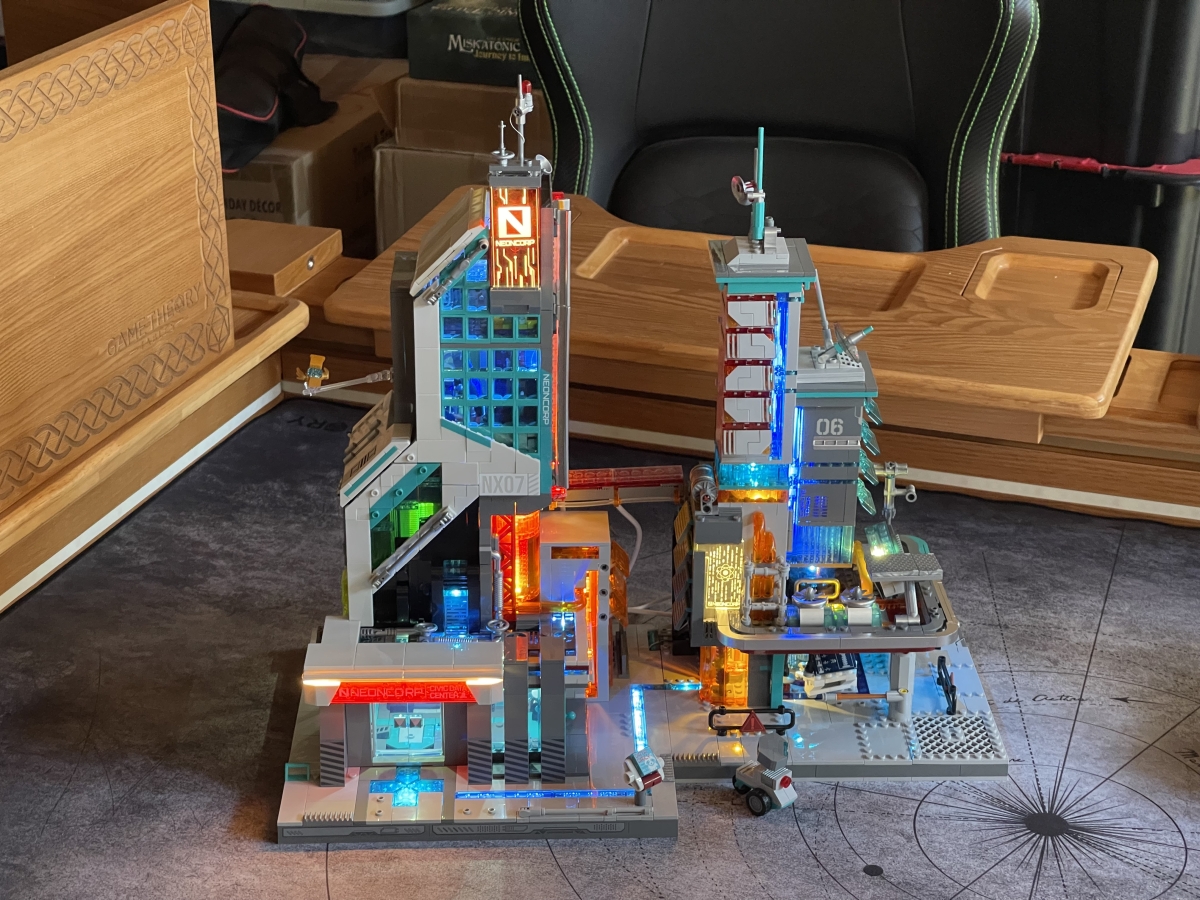
Connecting the two sets together is a simple 2-part process. First, a decorative vertical piece from the Neon Tech Tower will get removed from that set’s base, and will connect horizontally to form a bridge between the two sets.

Second, there are power terminals at the bases of both sets. When placing the sets base to base, the terminals will touch, allowing you to power both sets with just the battery pack from the larger Neon Tech Tower.

Here’s what the two buildings look like from the back, connected at the bases and with the bridge linking the pair:

And here’s what it looks like from the front, with the lights turned on. As I mentioned, you only have to flip the switch on the larger building’s power supply in order to light up both buildings.
Lumibricks Neon Tech Tower and Neon Tech Station – Final Thoughts
I really like the designs for these two sets. They very much feel like they come right out of the business sector of Lumibricks’ Neoncity line. They have a much more industrial feel than some of their earlier cyberpunk sets, but still share those brighter lights that make them at home with the entire line.
Assembly-wise, both sets were easy enough to put together, but require careful attention to the illustrations, especially when dealing with the lights. I had to do a partial teardown of the Neon Tech Station halfway through, because it turned out that I’d accidentally placed a power terminal in the reverse of the position it showed in the instruction book. Thankfully, it only required me to take apart a couple of sub assemblies to fix the problem, but could have been much worse had I not tested out the lights midway through the build.
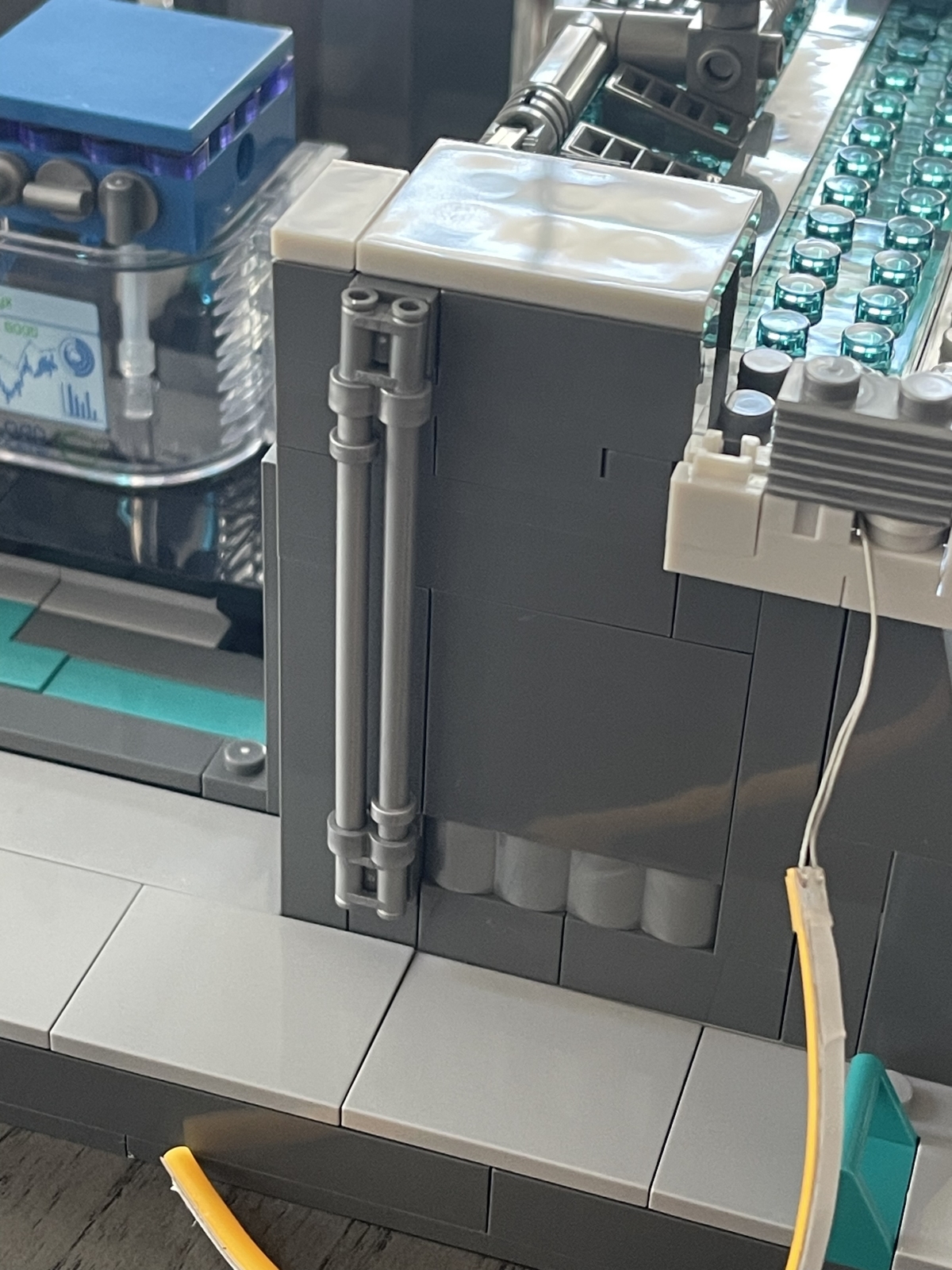
Otherwise, the only difficulty I had while assembling both sets was something that, on paper, looked like it should have been no trouble at all: the two poles in the photo below. It’s a little tricky because you can’t push the poles completely into their connecting pieces, otherwise they’re not long enough to attach them to the holders on the wall. However, if you pull out the poles too much, then the connecting pieces fall off. It took me a few frustrating moments to get it just right.
That issue aside, both sets were a lot of fun to put together. Both the Neon Tech Tower and the Neon Tech Station used some very interesting building techniques, and the end result speaks for itself. The Tech Tower has a lot more areas to pull out and play with than the Tech Station, but that’s also to be expected as it’s half the price of the larger set. These are a couple of very attractive, futuristic buildings that look fantastic both together and separately, and will be a great addition to a growing Cyberpunk Neoncity.
For more information or to make a purchase, head to the Lumibricks website.
Lumibricks sent these sets for evaluation, but had no input into the review. As an Amazon affiliate, I may earn a small commission on qualified purchases.

Paul Benson

Paul is a comic book writer, screenwriter, an avid board and tabletop gamer, reader of comics and collector of statues and figures. He is the creator of the webcomic "Heroines for Hire" and co-writer of "Disaster!: The Movie." He currently writes "E.I.: Earth Invasion" for Wunderman Comics.