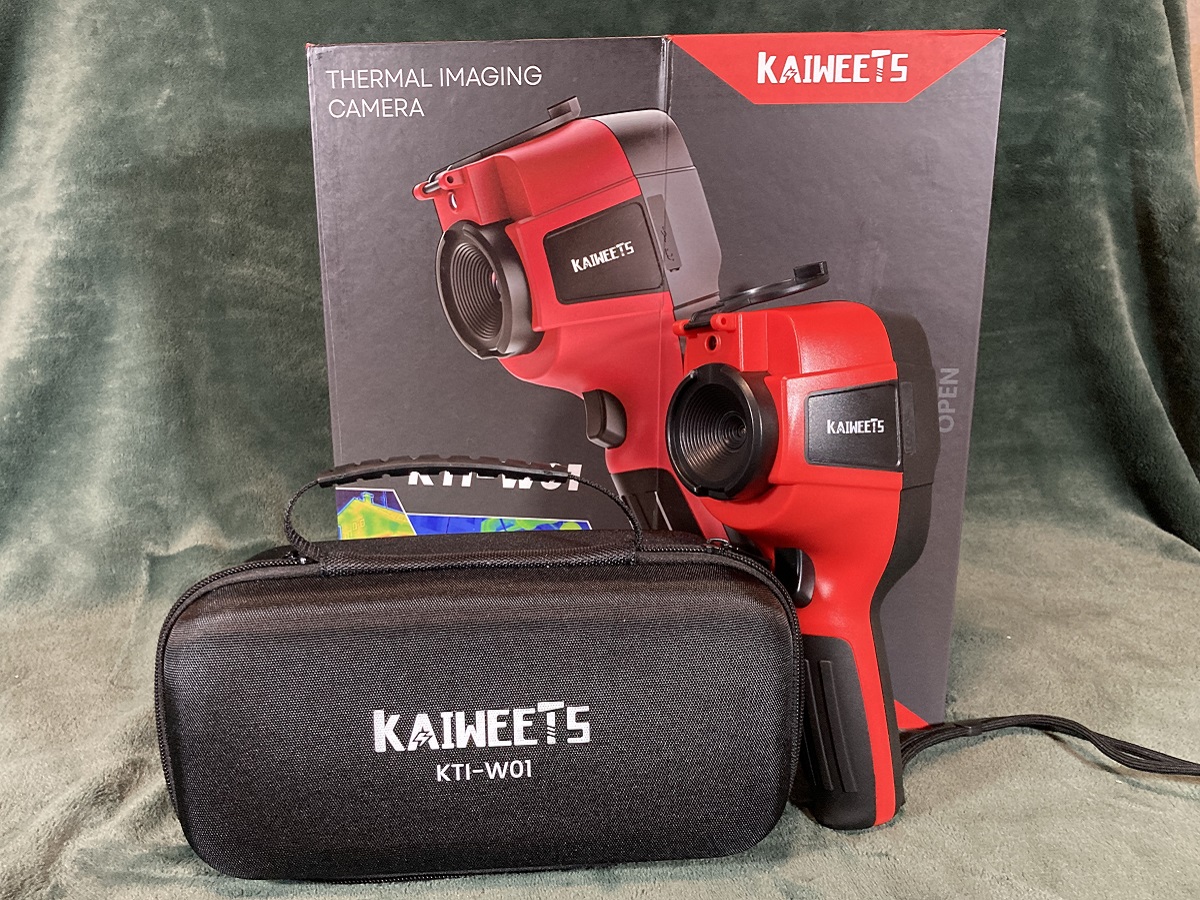
KAIWEETS has been making electrical tools for 15 years. They offer a variety of products, including measuring equipment for electrical testing, temperature and automotive testers, soldering irons, stud finders, and even hand tools such as pliers and screwdrivers. I previously had the chance to test out their KETS02 smart soldering iron kit and was quite impressed with it. I recently had the opportunity to review their new thermal imaging camera, the KTI-W01.
What Is the KAIWEETS KTI-W01 Thermal Imaging Camera?
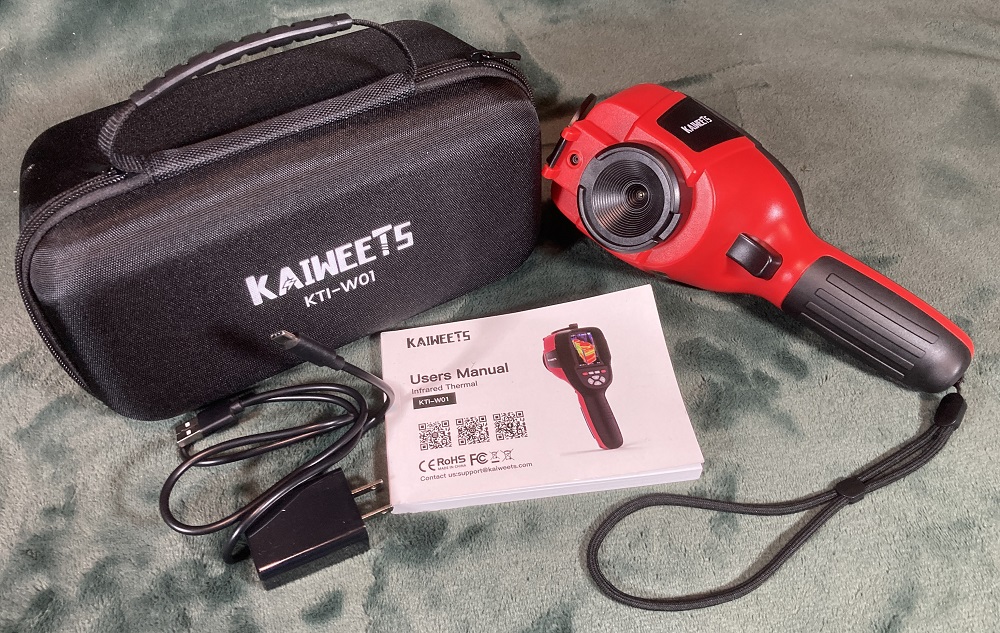
KAIWEETS KTI-W01 thermal imaging camera comes with the following:
- 1 thermal imaging camera
- 1 data cable
- 1 5V charger
- 1 protective carrying case
- 1 manual
The KTI-W01 offers a wide temperature range, from -4°F to 1022°F (-20°C to 550°C ), and features a 256 x 192 pixel IR resolution with a 25Hz frame rate. It can capture both still images as well as video and includes a built-in 32 GB Micro SD card for storing images and video. The 3.2-inch display lets you switch between thermal image and visual image as well as a fusion of the two. By pressing the arrow buttons, the image can be adjusted to all visual, 25% thermal, 50% thermal, 75% thermal, and 100% thermal with no visual image. The visual light display has a 640 x 480 resolution. This is useful if you want to show the visual image and then various amounts of thermal overlay to help pinpoint specific spots of cold or heat. The user can customize several features with the various settings. For example, there are five different color palettes from which to choose: spectrum, iron, cool, white, and black. Different palettes can be useful for different types of uses. The temperature range of the display can also be set to one of two settings: Low (-4°F to 248°F) or High (248-1022). This provides greater differentiation in colors for lower-temperature uses. You can even choose to display temperature in either Fahrenheit or Celsius.
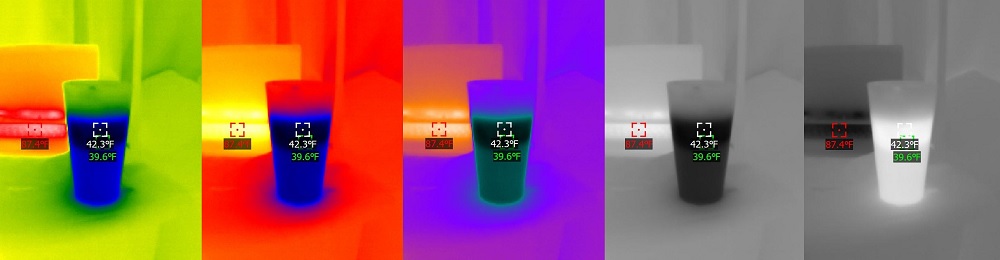
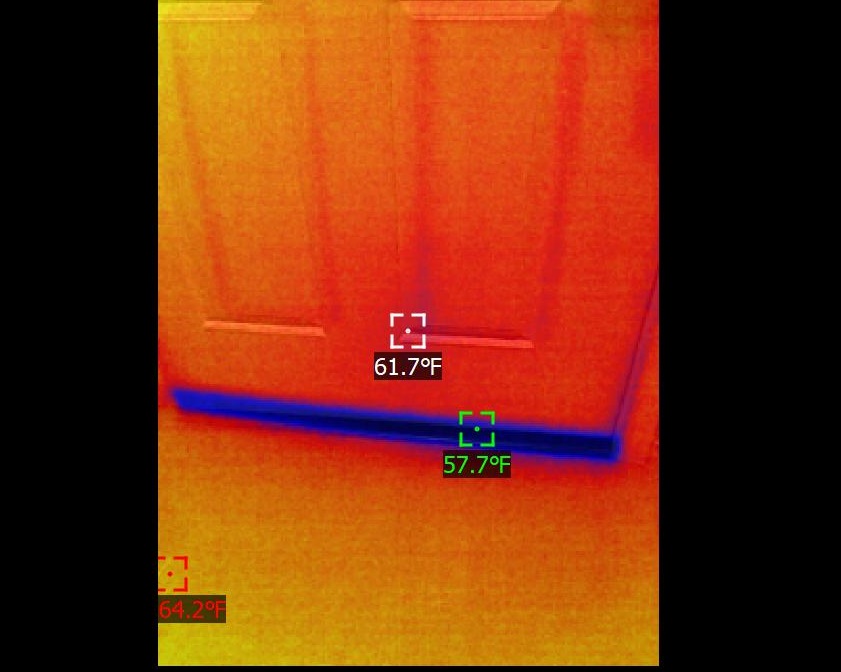
The display makes it easy to see specific temperatures. There are three spots that appear on the screen. The white crosshair in the center shows the temperature at the center of the display. It is also displayed at the top left of the screen. The green marker is the minimum temperature on the screen while the red marker is the maximum. These values are also listed at the bottom of the screen along with the time. To capture an image, the user just pulls and quickly releases the trigger button on the front of the device. The display will ask if you want to save the image. Use the arrow buttons to select either Yes or No and then press the Enter button. To record video, hold the trigger button down and again select either Yes or No to begin recording. To stop the recording, just pull the trigger button again.
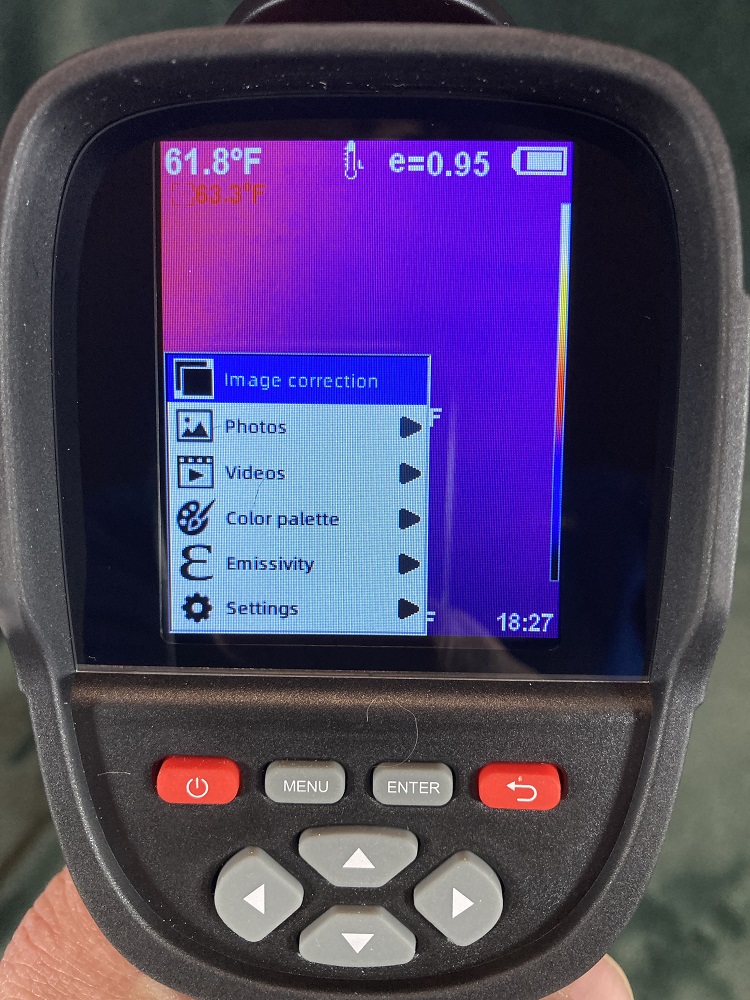
Captured images and video can be viewed on the camera’s screen or downloaded to a computer using the USB data cable. In fact, when you first connect the KTI-W01 to a computer, there is an installation application for the IR Image Tools program that you can install on your computer. This not only lets you few the images and video but also change between the five spectrums, blend visual and thermal images, switch between Fahrenheit, Celsius, and Kelvin temperature units, and even select spots or areas in the image to show max and min temperatures within them. Therefore, no matter what selections you used to capture the image initially, this can all be edited within IR Image Tools.
While connected to a computer, the thermal image camera will automatically begin recharging. It can also be recharged using the included 5V charger and the data cable. It uses a 3500mAh rechargeable Lithium-ion battery that can provide power for 6-8 hours of continuous work. Within the settings menu, you can choose the amount of time before the device automatically shuts off to save power when not using it. There is also a protection cap for covering the lens when the camera is not in use. It swings up and rests on the top of the device when you are using it, staying attached so you don’t lose it. The device is rated IP54 for protection against dust and water splashes from any direction, allowing it to be used in various conditions including rain and wind.

The KAIWEETS KTI-W01 thermal imaging camera is available from the KAIWEETS website. The kit, complete with power supply, sells for $299. However, KAIWEETS has provided GeekDad readers with a code, GD15, that will save you 15% on all products sold on their website. Plus shipping is free. It can also be purchased from the KAIWEETS store on Amazon. Amazon currently has a $30 coupon plus an additional 10% coupon, so you can actually save $60 on the product for a limited time.
Why You Should Get the KAIWEETS KTI-W01 Thermal Imaging Camera
I was excited to test out the KAIWEETS KTI-W01 thermal imaging camera. I had never really used this type of device before and did not know how difficult it might be to operate. However, the KTI-W01 is quite simple to use. While a lot of the operations and settings are intuitive, the manual explains all of the functions and settings in an easy-to-understand language. While I started off just playing around with it, looking at the thermal images of family members and objects around the house, I then began using it for useful purposes. As winter is approaching and it is getting colder at night, I used the thermal imaging camera to view the doors and windows of my home to see where I may need to replace weather stripping or insulation. I also used it to see how hot my pizza oven was reaching as well as identifying the hot spots on my barbeque grill. Next, I took the KTI-W01 to the school where I teach. In my computer science class, we used it to look at the temperatures of parts of a computer as well as how effectively different cooling systems work. My science class had some fun coming up with experiments to use the thermal imaging camera. Some looked at how various types of clothing insulate a person while others studied the thermal conductivity of different materials.
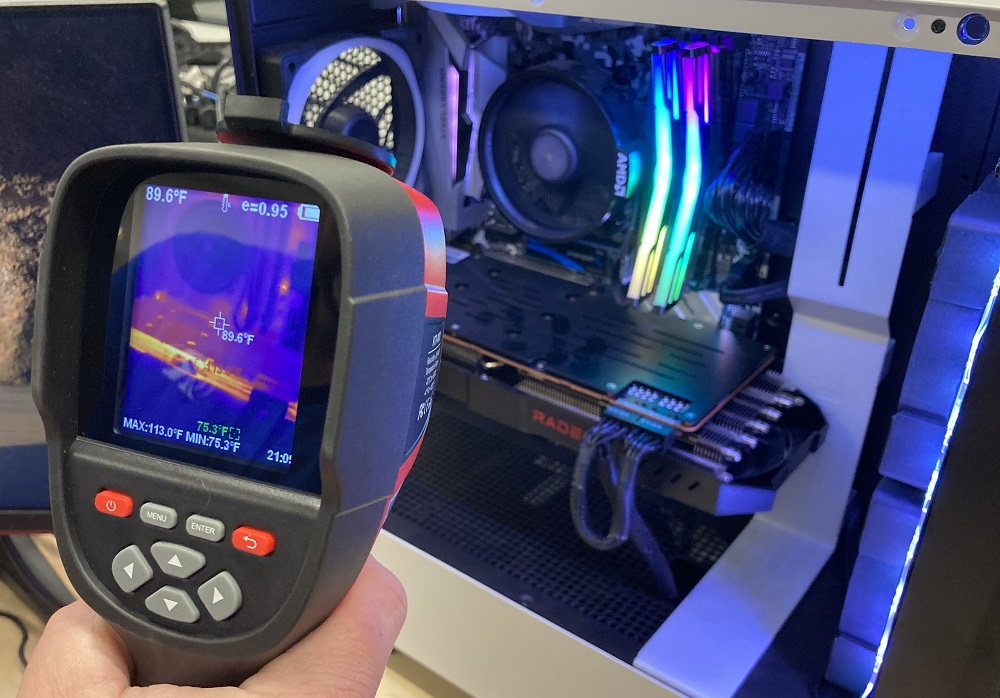
The KTI-W01 can also be used for a number of other professional uses including home inspections, automotive diagnosis and repair, electrical and HVAC inspections, and even home maintenance. I am impressed at how easy this thermal imaging camera is to use. I also found the included software great for using captured images for further study offline. A professional could easily use it for presentations to clients to show the results of inspections or needs for repairs. The price of this device also makes this an affordable device for homeowners looking to save energy on heating and cooling costs. The display is easy to read and provides the data in a simple format. If you are in need of an affordable thermal imaging camera that can be used either professionally or personally for a variety of uses, then I recommend the KTI-W01 thermal imaging camera by KAIWEETS.
Here is a video advertisement for the KAIWEETS KTI-W01 Thermal Imaging Camera.
Disclosure: GeekDad received a sample of this item for review purposes.