

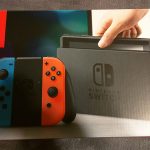
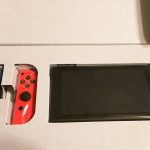
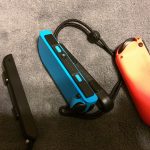
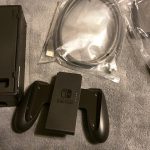
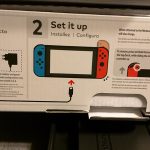
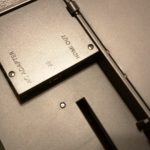
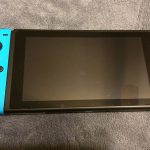
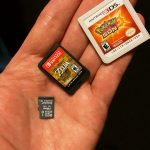
Though we’re still a week away from the official retail launch, the gaming gods (read: Nintendo of America) have seen fit to bestow upon me early access to the Nintendo Switch. While a full review of the console and its offerings will be available in March, I did make it a point to take copious pictures during the unboxing process. Feel free to enjoy and/or scrutinize them below.
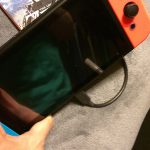
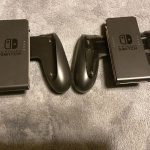
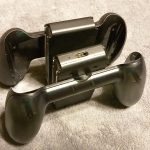
Even though this isn’t my first time playing with Nintendo’s latest hardware–GeekMom Kelly and I got a chance at January’s NYC media preview event–the difference between experiencing the Switch on a crowded, noisy show floor as opposed to in the comfort of your own home is unsurprisingly noticeable. So, while we’ve already shared frantic FaceBook Live videos, quick product shots, and “hot takes” on our initial experiences, here is a collection of photos specifically taken to share my own unboxing and initial setup experience with the Nintendo Switch, with bonus appearances by the Switch Pro Controller, the Joy-Con Charging Grip, and The Legend of Zelda: Breath of the Wild game cartridge. (You’ll have to wait a bit longer, I’m afraid, before I can talk about the game itself in any detail!)







Review materials provided by: Nintendo of America



I really don’t get those controllers. They look too small and the sticks are in different places. It would be nice if the offered a SKU with one pro controller versus the Joy-Con.
I think the offset sticks are meant to hearken back to the GameCube controller. I came away from my initial Switch gameplay experience a big Pro controller guy myself, but after playing it at home this past week, I’m starting to like the Joy-Cons in the Charger Grip the best.
The individual Joycons definitely aren’t the most comfortable controllers ever, but they really aren’t meant to be “serious” controllers and are just meant to be used for a bit of gaming on the go with a friend. Using them together with a grip or attached to the system works perfectly fine though.
Question that I can’t seem to find the answer to anywhere: did the charging grip come with another USB C cable to actually plug it in with?
Yes, both the Pro Controller and the Charge Grip come with USB C cables.